
TL;DR
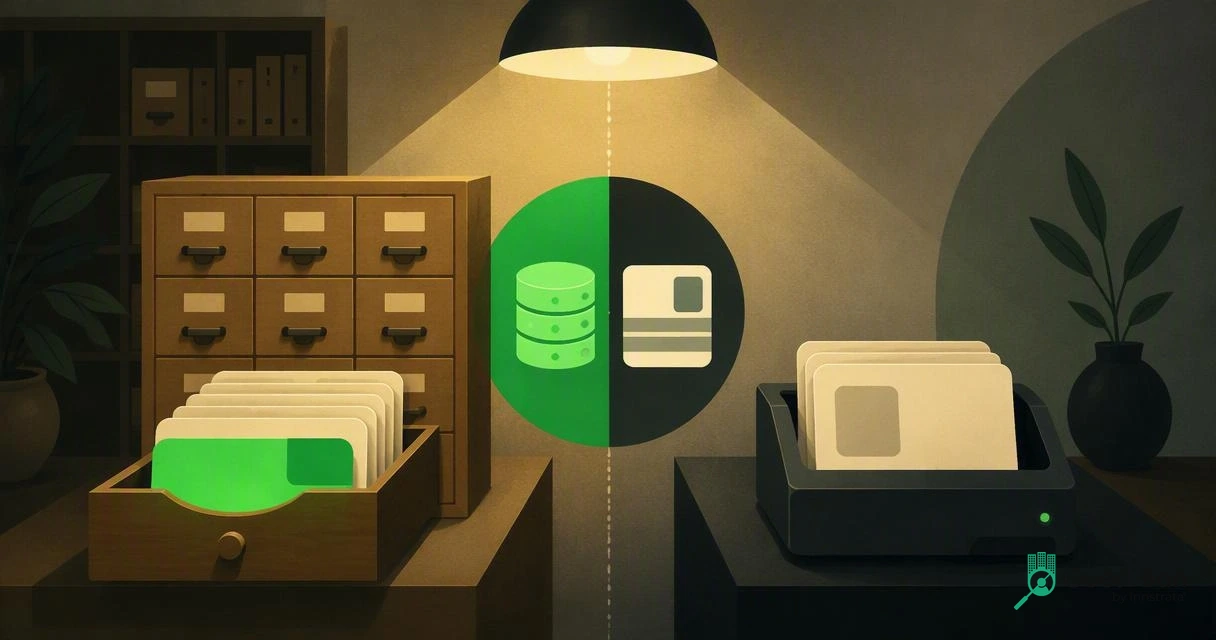
Hotels that only need faster ID capture can use a standalone scanner, but properties managing chargebacks, repeat incidents, or multi-property risk need a connected DNR workflow. Choose based on whether your front desk needs data entry help only, or real-time guest risk visibility before keys are issued.
A hotel ID scanner can speed up check-in, but speed alone does not tell your team whether the guest has caused past damage, chargebacks, fraud, or safety issues. The practical choice in 2026 is not just hardware; it is ID scanner with DNR database vs standalone ID scanner for hotels, meaning simple document capture compared with connected risk control. DNR database: in hotel operations, a Do Not Rent database is a controlled list of guests a property may refuse to rent to based on documented incidents, not the medical "do not resuscitate" meaning described by Wikipedia. For hotels that want ID capture plus guest-risk alerts, GuestBan ID Scanning is built around that connected front-desk workflow.
Table of Contents
What is an ID scanner with a DNR database?
An ID scanner with a DNR database reads guest identity documents and checks the guest against a hotel Do Not Rent record before or during check-in. Instead of only saving name, address, date of birth, and document details, it can alert staff to a prior internal incident record.
The value is context. A standalone scan says, "This person presented an ID." A connected DNR workflow says, "This person matches a record your team needs to review before assigning a room."
Key insight: For hotels, the operational question is not "Can we scan an ID?" It is "Can the right employee see the right warning at the right moment?"
Core terms front desk teams should share
- Standalone ID scanner: Hardware and software that captures ID or passport data, often to reduce manual typing and support check-in records.
- DNR database: A Do Not Rent list used by hotels to document guests who should not be rented to again, usually tied to property damage, unpaid balances, safety events, or fraud concerns.
- Network DNR: A shared DNR view across approved properties, brands, or ownership groups.
- PMS integration: A connection that pushes verified guest data into a property management system instead of asking staff to retype it.
If your team needs a deeper operational definition, this guide to DNR hotel meaning explains how the term is used in hospitality, not medicine.
How do the two options compare at the front desk?
A connected DNR scanner is better for risk decisions, while a standalone scanner is better for basic data capture at lower complexity. I usually frame the buying decision around what must happen before the key card is encoded.

Standalone scanners are useful when the goal is clean data entry. They can reduce typing, standardize document images, and help staff move faster during rush periods.
Connected systems are useful when the front desk must act on past incidents. They turn check-in from a clerical task into a controlled decision point.
Side-by-side hotel operations comparison
| Decision factor | ID scanner with DNR database | Standalone ID scanner |
|---|---|---|
| Real-time alerts | Can flag a guest match during check-in | Usually no guest-risk alert |
| Repeat-offender visibility | Shows prior documented incidents, depending on permissions | Staff must remember, search notes, or check a separate file |
| Staff training | Requires training on alerts, documentation, escalation, and fair use | Requires training on scanning, data review, and exception handling |
| Privacy controls | Needs role-based access, retention rules, audit trails, and reason codes | Needs secure storage and deletion rules for ID images and data |
| Multi-property use | Strong fit for ownership groups and regional portfolios | Limited unless paired with separate shared records |
| PMS workflow | Often paired with auto-fill and guest profile matching | May export data or require manual transfer |
| Best use case | Risk management, loss prevention, chargeback evidence, repeat-guest screening | Fast check-in, basic ID capture, smaller low-risk properties |
For operators comparing devices, a broader best hotel ID scanner guide can help narrow passport, license, and front-desk hardware choices.
When should a hotel choose a DNR-connected scanner?
A hotel should choose a DNR-connected scanner when repeat incidents, chargebacks, staff safety, or multi-property visibility matter more than basic scan speed. This is the stronger fit for hotels that have already outgrown sticky notes, spreadsheets, and memory-based handoffs.
The most common trigger is inconsistency. One experienced night auditor knows the problem guest, but a new weekend employee does not. A DNR-connected scan creates a standard checkpoint across shifts.
"An Ounce of Prevention is worth a Pound of Cure.", Benjamin Franklin, Founders Online
GuestBan ID Scanning is designed for this kind of prevention-first workflow, where the scan supports both guest data capture and a documented decision process.
Best-fit scenarios for DNR database scanning
Choose a connected workflow when your property has:
- Repeat local offenders who move between nearby hotels.
- Chargeback disputes where ID records and incident notes support the hotel's response.
- Multi-property ownership that needs shared visibility across locations.
- High staff turnover where front desk memory is not a reliable control.
- Security-sensitive operations such as extended stay, airport hotels, nightlife-adjacent properties, or high-traffic economy hotels.
A practical DNR process should include incident reasons, manager review, permission levels, and a way to remove or correct records. The system should help staff act consistently, not make judgment disappear.
When is a standalone ID scanner enough?
A standalone ID scanner is enough when the hotel mainly needs faster document capture, cleaner guest profiles, and less manual entry. Smaller properties with low incident volume may not need DNR alerts on day one.

That said, simple does not mean careless. Any scanner that stores identity data still creates privacy, security, and retention duties. A scanned passport or driver's license is sensitive information, even if no DNR record exists.
"The protection of natural persons in relation to the processing of personal data is a fundamental right.", European Union, GDPR Recital 1
If you are comparing scanning against older habits, the hotel guide on ID scanners vs photocopying IDs explains why digital controls are usually easier to govern than paper copies.
Standalone scanner buying checklist
Before buying a basic scanner, confirm these points:
- Document coverage: Driver's licenses, state IDs, passports, or all three.
- PMS fit: Direct integration, export file, browser workflow, or manual copy-paste.
- Image storage: Whether ID images are stored, masked, encrypted, or deleted.
- User permissions: Who can view, export, or delete guest identity data.
- Exception handling: What staff do when an ID is damaged, expired, foreign, or unreadable.
A standalone setup can be a smart first step. Just avoid building a workflow that cannot grow if your risk profile changes.
How should hotels decide in 2026?
Hotels should decide by mapping the scanner to the operational outcome: faster check-in, better risk control, or both. In my view, the clearest test is whether a front desk employee needs an alert before renting the room.
If the answer is no, standalone scanning may be enough. If the answer is yes, a scanner with a DNR database is the safer long-term choice. For many hotel groups, the hidden cost of a basic scanner is not the scanner itself; it is the separate spreadsheet, binder, or chat thread staff still rely on for risk decisions.
Decision guide by hotel type
| Hotel profile | Recommended setup | Why it fits |
|---|---|---|
| Small boutique property with low incident volume | Standalone scanner | Speeds up check-in without adding extra workflow complexity |
| Economy or extended-stay hotel | ID scanner with DNR database | Helps identify repeat incidents before room assignment |
| Multi-property management group | ID scanner with shared DNR controls | Gives approved teams consistent visibility across locations |
| Airport or nightlife-adjacent hotel | DNR-connected scanner | Supports faster decisions during high-volume, higher-risk arrivals |
| Property focused on PMS automation only | Standalone or integrated scanner | Main benefit is clean guest data transfer |
For hotels ready to combine ID capture, alerts, and repeat-offender visibility, the hotel DNR database software page shows how a purpose-built workflow can replace scattered notes and informal handoffs. You can also visit guestban.com when you are ready to compare options.
FAQ: ID scanner with DNR database vs standalone ID scanner for hotels
Is a DNR-connected ID scanner legal for hotels?
A DNR-connected scanner can be used lawfully when the hotel follows applicable privacy, consumer, anti-discrimination, and data-retention rules. Hotels should document objective incident reasons, limit access to trained staff, and review records for accuracy. Local legal advice matters because rules vary by jurisdiction.
Does a standalone ID scanner prevent chargebacks?
A standalone scanner may help with chargeback documentation by preserving accurate identity data, but it does not usually identify prior problem guests by itself. Chargeback prevention is stronger when ID capture is paired with signed policies, payment controls, incident notes, and manager-reviewed DNR records.
Can a DNR database work across multiple hotels?
Yes, a DNR database can support multiple hotels when ownership, permissions, and data-sharing rules are clearly defined. Multi-property use is most valuable when guests move between nearby locations under the same management group. Access controls and audit logs become more important as the network grows.
What should staff do when a DNR alert appears?
Staff should pause check-in, verify the match, follow the property's escalation policy, and involve a manager when required. The alert should not be treated as automatic proof. Good workflows use reason codes, notes, and review steps so employees make consistent, fair decisions.
Conclusion
The right choice comes down to risk visibility. A standalone scanner helps the desk capture data faster; a DNR-connected scanner helps the hotel decide whether renting the room is wise. For the 2026 comparison of ID scanner with DNR database vs standalone ID scanner for hotels, I would choose standalone only when incidents are rare and one-property visibility is enough. Choose GuestBan ID Scanning when your team needs ID capture, documented alerts, and a practical way to protect staff, rooms, revenue, and repeat-guest decisions. To plan your next step, list your top three check-in risks, review your PMS workflow, then head to guestban.com to evaluate a setup that fits your property.

