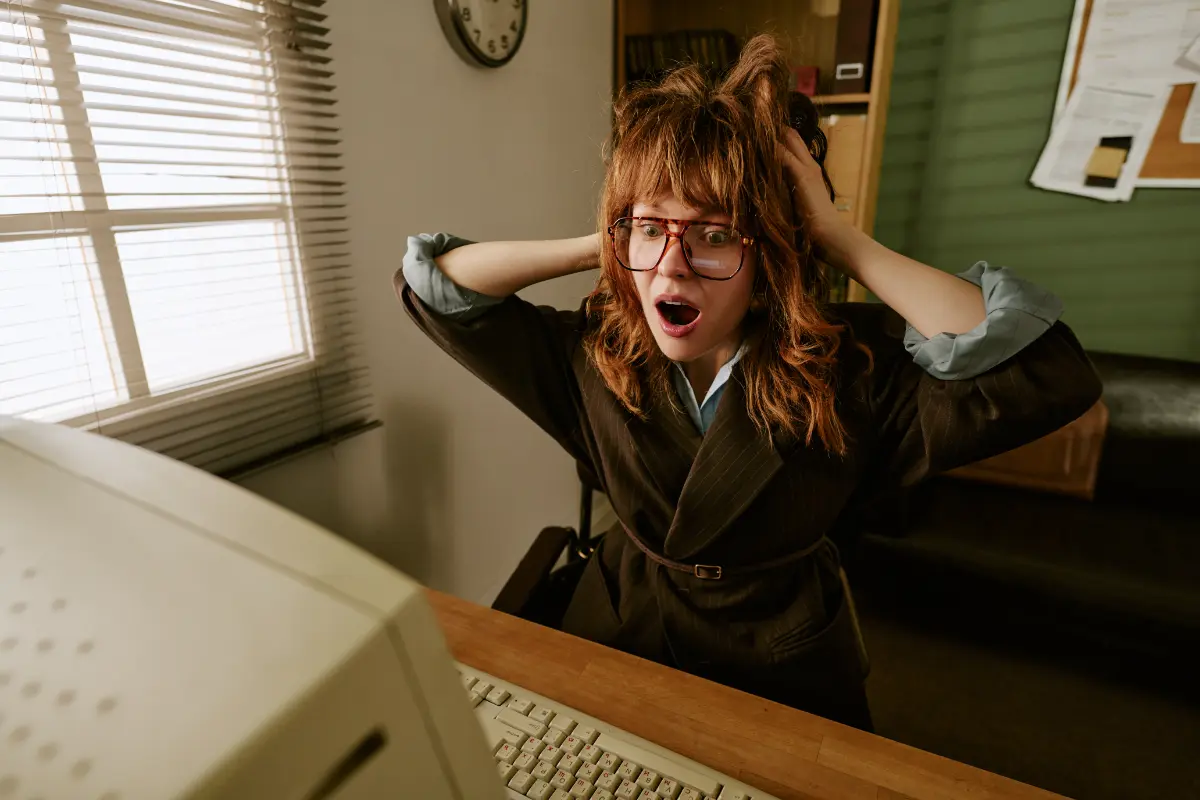
When was the last time you actually checked how well your front desk computer performs?
I’m not talking about whether it turns on or whether your PMS runs. I’m talking about whether your front desk staff can actually get their work done without having to wait several seconds for every click.
We recently had an experience with a hotel that really opened our eyes to how much of an impact a slow computer can have on daily hotel operations.
At Guest Ban, we provide full-service support for our ID scanning system, including helping hotels remotely with installation and setup.
We were scheduled to install our ID scanning system at a hotel. Nothing unusual, something we do all the time.
We sent the front desk agent a link so we could remotely connect to their computer and complete the installation.
It took nearly 15 minutes just to open the browser and download our remote support client.
Yes, 15 minutes.
Now, you might be thinking the same thing we initially thought. Maybe the front desk agent just wasn’t very tech-savvy.
But then the agent said something that immediately raised a red flag.
“Sorry, the computer is always this slow.”
Wait, what?
This wasn’t a one-time issue. This was how the computer operated every single day.
And the staff had simply gotten used to it.
We Connected to the Computer, and Things Got Even Worse
Once we finally established the remote connection, we immediately noticed something wasn’t right.
Our connection kept dropping and reconnecting. The computer was struggling to respond to even the most basic commands.
At one point, we tried opening File Explorer.
It took an entire minute to open.
I’m not exaggerating. Literally one minute just to open File Explorer.
At this point, I was really curious about what was going on.
Was this computer still running on an old mechanical hard drive? That’s usually one of the first things I suspect when a system is painfully slow.
So I tried opening Task Manager to see what was happening.
That took another two minutes.
And when it finally opened, I immediately saw the problem.
Memory usage was sitting above 90%.
The computer was running Windows 11 with just 4GB of RAM.
Yes, you read that correctly.
4GB.
Now, technically, Microsoft lists 4GB as the minimum RAM requirement for Windows 11.
And technically, the computer worked.
But there’s a big difference between a computer being able to run Windows and a computer being able to run a hotel front desk efficiently.
This computer could barely handle basic tasks, let alone the software that hotel staff need throughout the day.
Here’s What Really Surprised Us
I decided to look at the rest of the computer’s specifications.
It had a 12th-generation Intel Core i5 processor.
It had an SSD.
Those are perfectly reasonable specifications for a typical hotel front desk workstation.
The processor wasn’t the issue. The storage wasn’t the issue.
The problem was that the computer simply didn’t have enough RAM.
And this was the computer the hotel was using to check in guests every single day.
Think about that for a second.
Imagine you’ve just arrived at a hotel after a long flight or a tiring drive.
All you want to do is check in, get your room key, and relax.
Instead, you’re standing at the front desk while the agent clicks something and waits. Then clicks something else and waits again.
What should be a quick check-in can easily turn into a frustrating experience when the computer struggles with every action.
And here’s the part that bothered me the most.
The front desk agent knew the computer was slow. They dealt with it every single day.
But they had accepted it as normal.
We Recommended an Upgrade. The Owner Went Above and Beyond.
After identifying the problem, we explained the situation to the hotel owner.
We recommended upgrading the computer to 16GB of RAM for business use.
At the very least, 8GB would have been an improvement over the existing setup, although we still wouldn’t consider that ideal for a busy front desk.
I know RAM prices can be expensive, especially when you’re managing multiple hotel computers. Fortunately, this particular system used DDR4 memory, which can be a more affordable upgrade option.
The owner understood and told us he would take care of it.
About a week later, we received a call.
The computer was ready, and we could proceed with the installation.
We connected remotely again.
And we couldn’t believe the difference.
The owner had upgraded the computer to 32GB of RAM.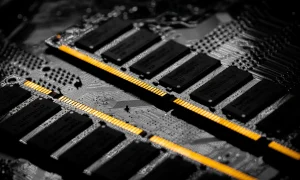
Not 8GB.
Not 16GB.
32GB.
The same computer that previously took an entire minute to open File Explorer was now responding almost instantly.
Everything was running smoothly.
We completed the ID scanning system installation without any issues, and the hotel began using the system.
But the best part wasn’t even the installation.
It was the reaction from the front desk staff.
They were thrilled.
They could finally use their computer without constantly waiting for things to load. They could move through their work quickly and check guests in without fighting with the system.
Something as simple as adding more RAM had completely changed their daily experience.
Your Front Desk Computer Is More Important Than You Think
Here’s why I’m sharing this experience.
Your front desk computer is one of the main connections between your hotel and your guests.
It’s where reservations are looked up, IDs are scanned, payments are processed, and room keys are issued.
It’s where the guest’s first real interaction with your hotel’s operations often happens.
And when that computer is painfully slow, the impact goes beyond the person sitting behind the desk.
It affects your guests.
It affects your staff.
It affects how efficiently your hotel operates.
A guest doesn’t necessarily know that your computer only has 4GB of RAM or that your system is running at over 90% memory usage.
All they know is that check-in is taking forever.
And who ends up dealing with that frustration?
Your front desk agents.
They’re the ones apologizing for the delays, dealing with growing lines, and trying to provide good customer service while their computer struggles to keep up.
Over time, that frustration adds up.
What’s even more concerning is that we run into situations like this more often than you might expect.
Hotel staff become so accustomed to slow computers that they stop questioning whether things should be faster.
They just assume that’s how the system works.
But it doesn’t have to be that way.
Hotel Owners and Managers, Take a Few Minutes to Check Your Front Desk Computers
I’m not saying every hotel needs to go out and buy brand-new computers.
In fact, this experience is a perfect example of why you shouldn’t immediately assume a slow computer needs to be replaced.
This hotel already had a decent processor and an SSD.
All it needed was more RAM.
A relatively simple hardware upgrade made an enormous difference.
If you’re a hotel owner or general manager, I’d encourage you to spend a few minutes at your front desk and actually use the computer your staff works with every day.
Open your PMS. Switch between applications. Open a browser. Watch how quickly the computer responds.
Better yet, ask your front desk staff a simple question:
“Is this computer slow, or is there anything about it that makes your job harder?”
You might be surprised by their answer.
And if you hear, “Oh, it’s always been like that,” don’t ignore it.
That’s exactly what we heard.
Check the system specifications. Look at RAM usage, storage, and overall performance. If needed, have someone knowledgeable take a look before spending money on new equipment.
Not every performance issue is caused by insufficient RAM, but in this case, it was the difference between a nearly unusable computer and one that worked beautifully.
Final Thoughts
Hotels spend a lot of time and money improving the guest experience.
Better rooms. Faster Wi-Fi. Renovated lobbies. New amenities.
And those things absolutely matter.
But sometimes, one of the biggest improvements you can make to the guest experience is sitting right behind your front desk.
A slow computer shouldn’t be the reason a guest has a bad first impression of your hotel.
And your front desk agents shouldn’t have to apologize for technology they have no control over.
At Guest Ban, we see these kinds of issues firsthand while helping hotels set up and use our ID scanning system.
This particular experience wasn’t really about installing our software. It was a reminder that even good technology can only work as well as the computer running it.
So here’s my question for hotel owners and managers:
When was the last time you sat down at your front desk and checked how well your computer actually performs?
It might be worth a few minutes of your time.
— Guest Ban Team