


Instant Background Checks for Hotels an...
A guest books a room for tonight. Check-in is in an hour. Do you really have day...
Read More
Trusted by 2,000+ Hotels
One problem stay can cost more than the room earns. Guest Ban scans IDs in about 4 seconds, checks your Do Not Rent lists, and sends guest details to your PMS in one click. Help prevent repeat incidents and keep the evidence you need when a dispute happens.
From $360/year. Setup, training, and support included. 30 day money back guarantee.
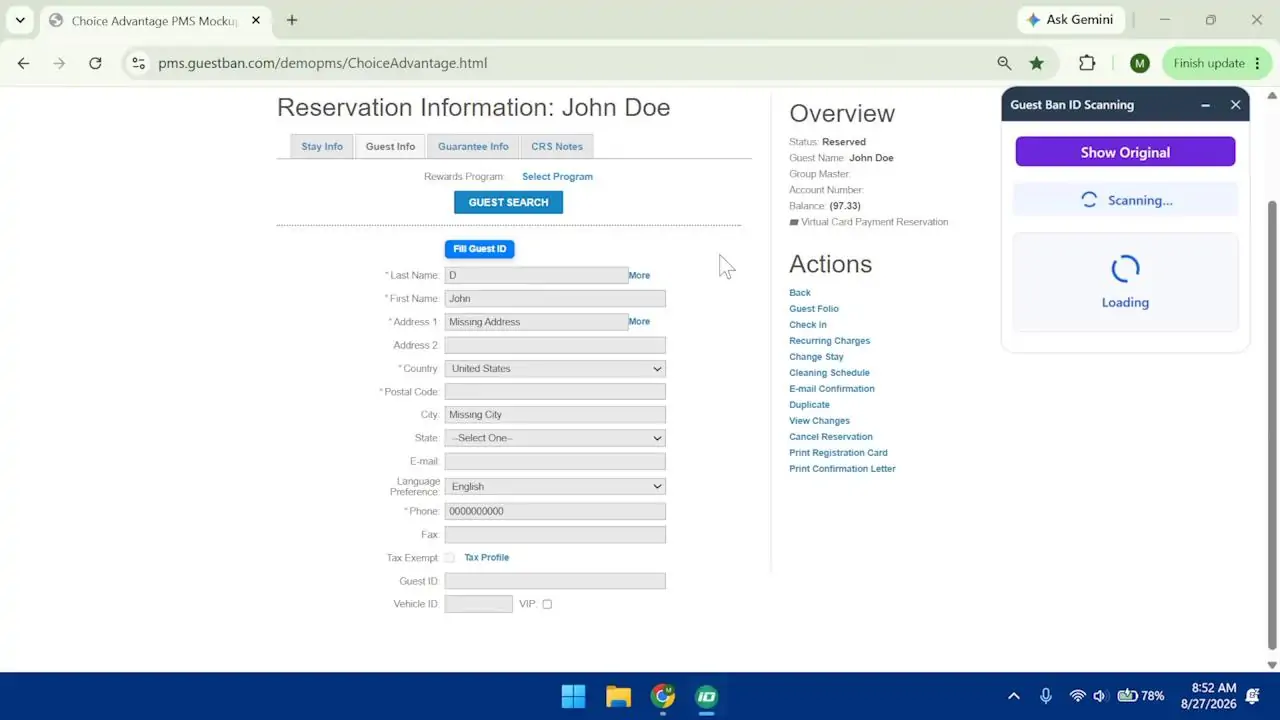 Live scan
Scanner connected
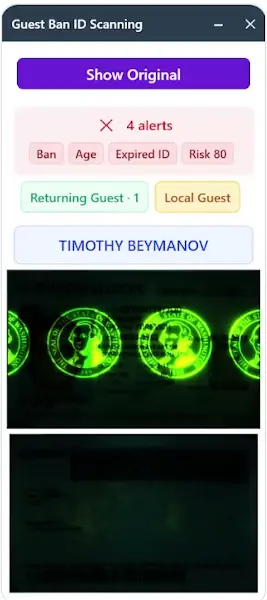
Automatic ID detection starts the scanning processUV scanning for fake ID screening
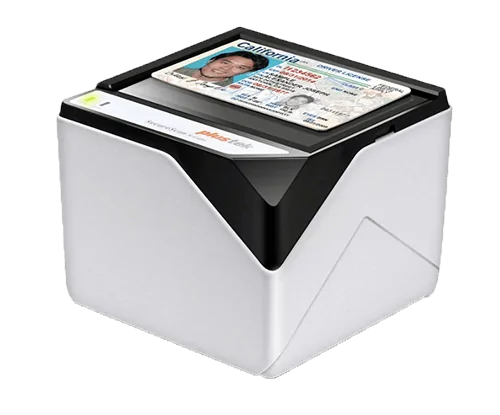
Scan progress
Preparing the secure scanWill it work at your hotel? Tell us your PMS and scanner needs. We will walk you through the right setup and plan.
Check My SetupIndependent and franchise hotel teams use Guest Ban to scan IDs, check Do Not Rent records, and simplify arrivals.






Industry Recognition
Recognized by hospitality and technology leaders

One Scan. Four Jobs Done.
Give every shift the same tools to catch known problems, reduce typing, and document who checked in.
Read guest information directly from the ID and reduce rushed typing, missing fields, and avoidable mistakes.
Compare every scanned guest with your property and network Do Not Rent lists before completing check in.
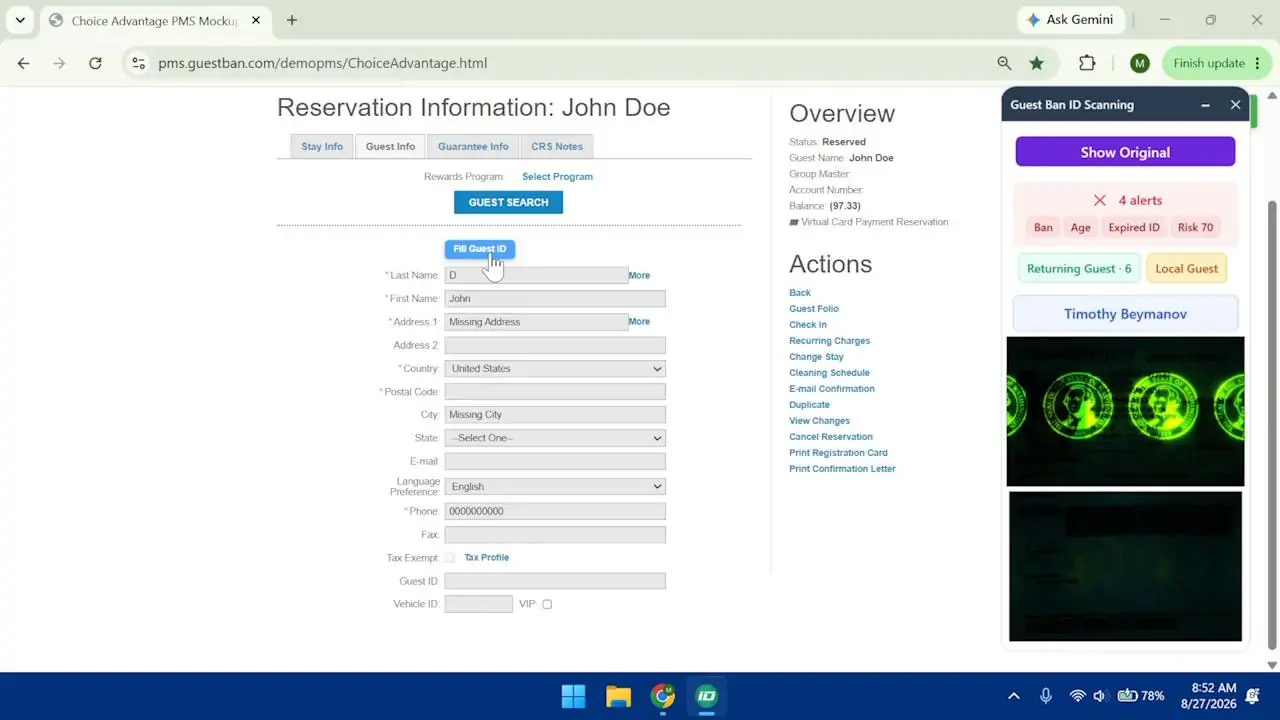
Show clear alerts for age rules, local guests, Do Not Rent matches, and available screening options while staff can still act.
Store the ID image and guest record so managers can quickly find documentation when a chargeback or incident occurs.
Simple for Every Shift
Your team has enough to do. We handle remote setup and training so staff can follow one simple workflow.
Guest Ban captures supported driver licenses, government IDs, and passports in about 4 seconds.
Staff see the ID image, captured guest details, and any applicable alerts before completing check in.
Transfer the guest information with one click while Guest Ban securely saves the record in the background.
See It In Action
Watch the scan, the alerts, and the PMS transfer. See exactly what your front desk would do.
Stop Repeat Problems
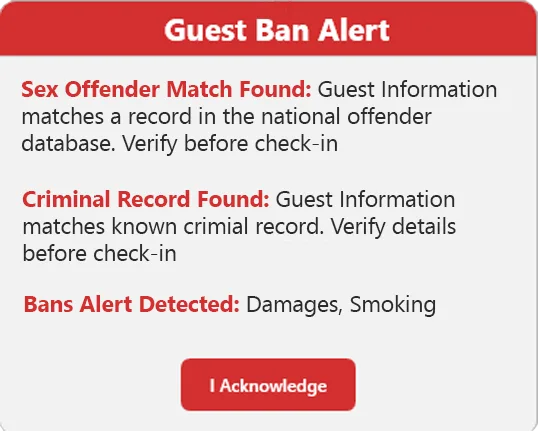
Your night shift should not have to recognize every guest or remember every incident. Guest Ban compares scanned IDs with your property and available network Do Not Rent records, then alerts staff to potential matches before they issue a key.
Faster Front Desk Work
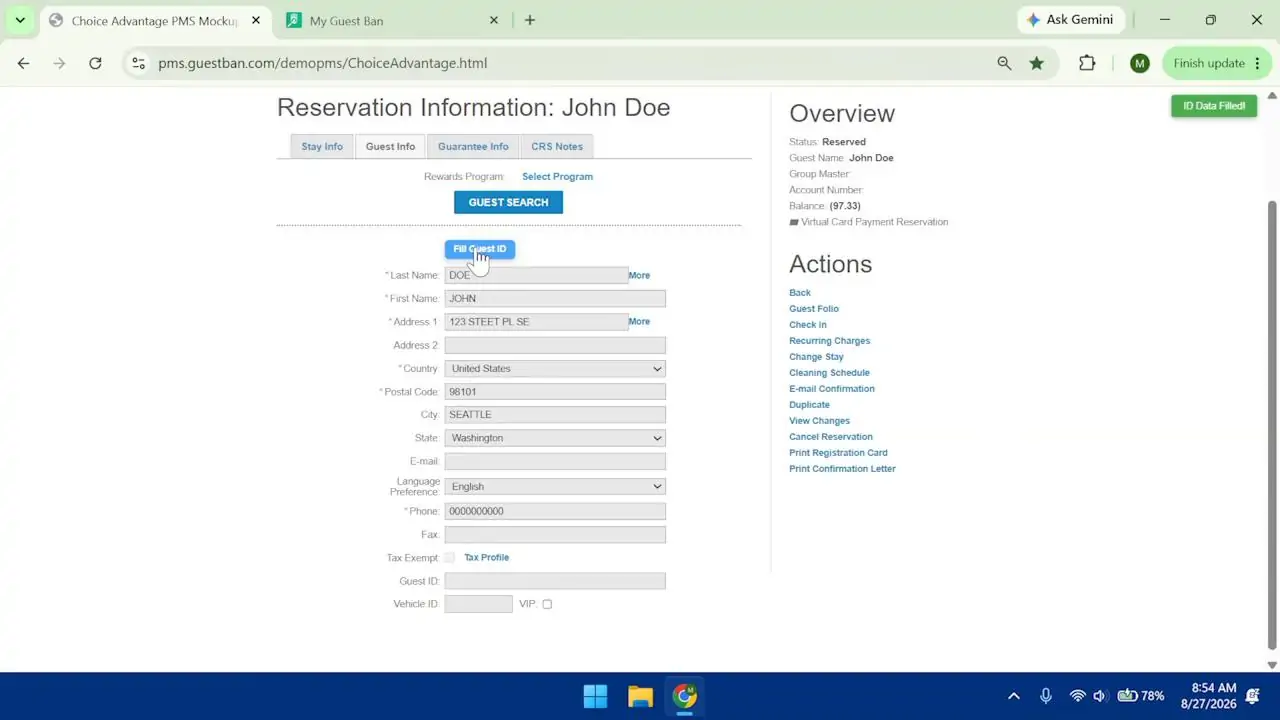
Every name and address typed by hand takes time away from the guest. Guest Ban captures supported details from the ID and transfers them to your PMS in one click. Less repetitive work for your team. A smoother arrival for your guests.
Be Ready for Disputes
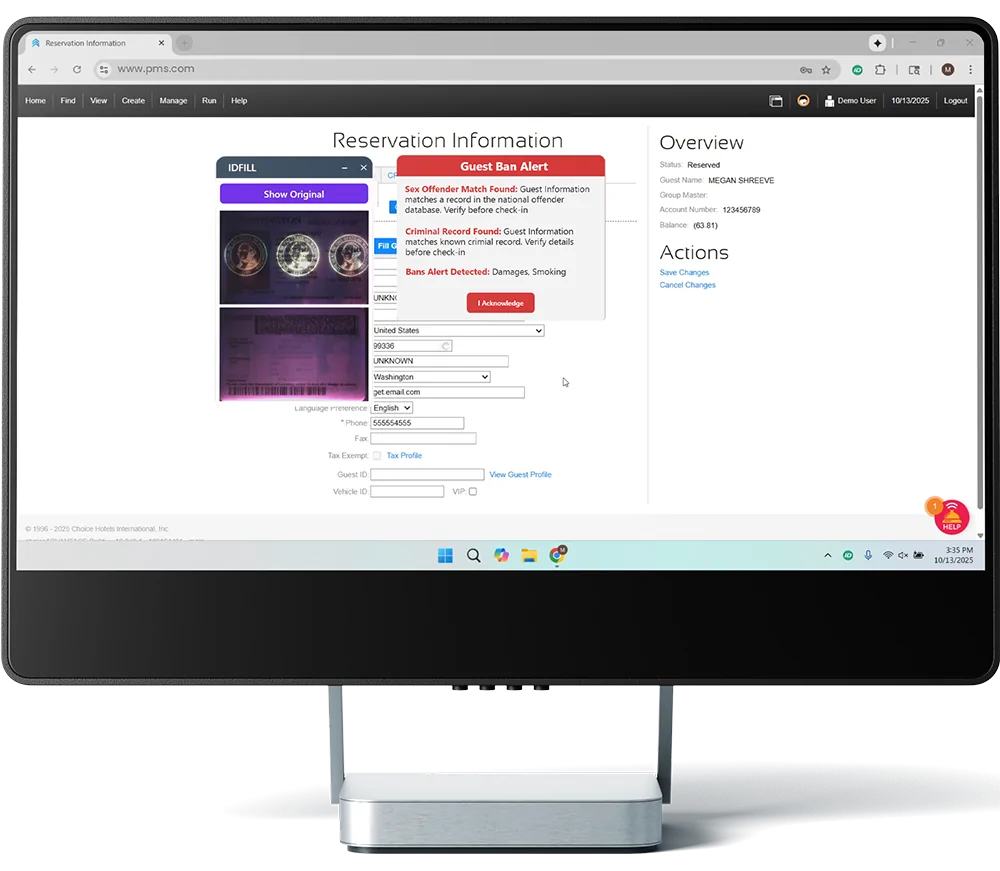
A chargeback is hard enough without missing documentation. Guest Ban keeps the scanned ID image, guest details, scan timestamps, and related incident records together so your team can assemble supporting evidence faster. Outcomes depend on the dispute and the evidence submitted.
Control From Anywhere
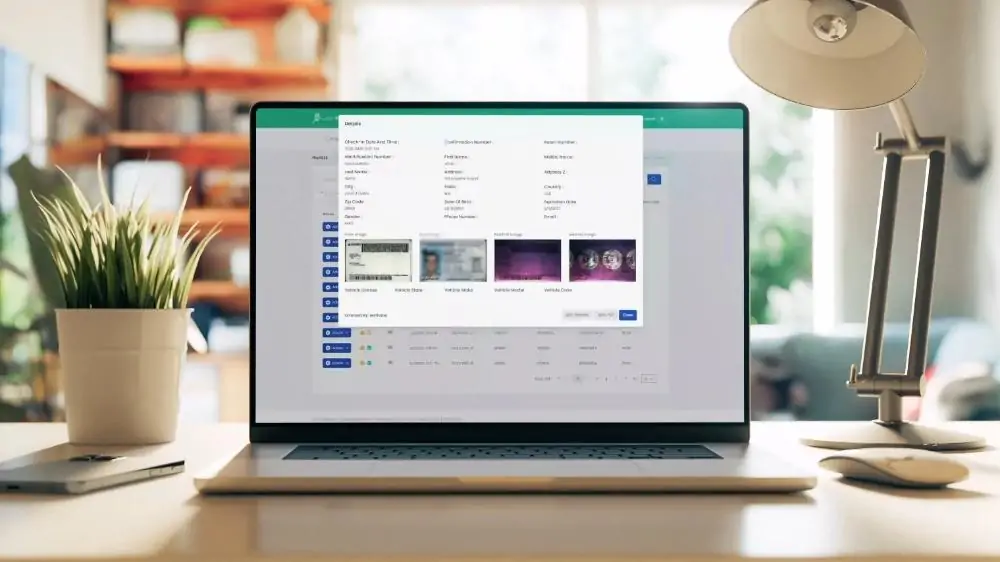
Owners and managers can review guest records, Do Not Rent activity, users, alerts, and property information without depending on one front desk computer.
More Protection When You Need It
Give staff clear alerts to review against your written hotel policies. Choose the available screening options that fit your operation. A screening match is a prompt for human review, not an automatic reason to refuse a guest. Screening availability and charges vary by plan and service.
Simple Hotel Pricing
Start with ID scanning, PMS transfer, and property Do Not Rent alerts. Choose Professional for more visibility and control, or talk to us about a portfolio rollout. Remote setup, training, and support are included.
$360 per year
$550 per year
Custom pricing
Every plan includes remote installation, training, support, and a 30 day money back guarantee. A free scanner is available with select three year plans. Confirm scanner costs, screening charges, and guarantee terms before ordering.
Common Questions
Trusted by 2,000+ Hotels
See how Guest Ban fits your PMS, helps your team catch known problem guests, and keeps useful records ready. We will help you choose the scanner and plan for your property.
Show Me Guest Ban for My HotelRemote setup, training, and support included. Plans from $360/year.








Our success in creating business solutions is due in large part
to our talented and highly committed team.

A guest books a room for tonight. Check-in is in an hour. Do you really have day...
Read More
Compare hotel-focused VeriScan alternatives on document capture, guest records, ...
Read More
Learn how hotels can verify cash-paying guests, document deposits, reduce disput...
Read More
When was the last time you actually checked how well your front desk computer pe...
Read More
Choose a hotel ID scanning policy based on local law, guest privacy, property ri...
Read More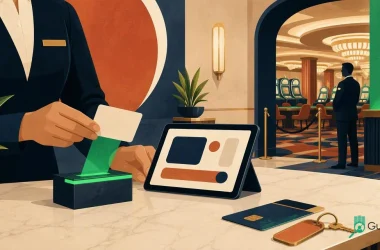
Build a casino hotel ID scanning workflow connecting age checks, guest records, ...
Read More
Compare hotel ID verification software and guest screening databases, including ...
Read More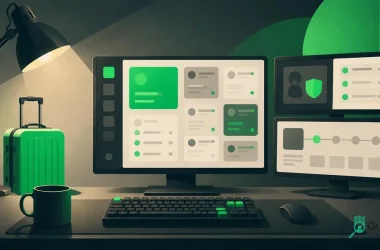
Compare hotel check-in compliance software for ID policies, guest data security,...
Read More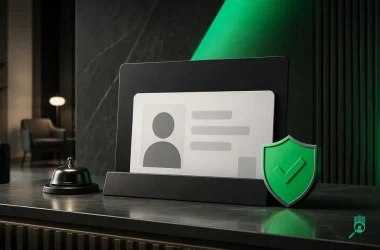
Copy-ready hotel check-in ID policy template for websites, emails, front desk sc...
Read More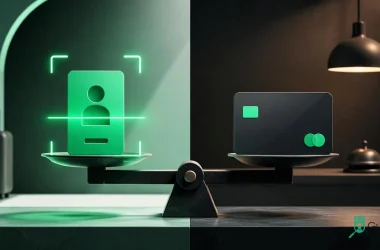
Compare hotel ID scanning and credit card authorization for payment, identity, f...
Read More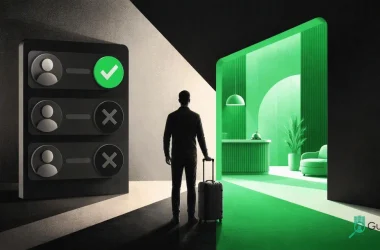
Learn how hotel blacklist laws, DNR lists, ID scanning, privacy rules, and non-d...
Read More
Anonymized hotel case study · 10 properties What 10 Hotels Recorded After Requi...
Read More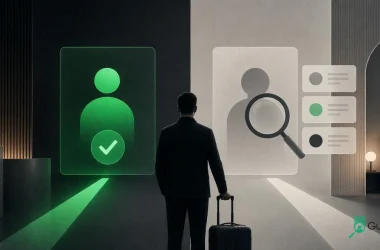
Learn how hotel guest verification differs from guest screening, where each fits...
Read More
Is Your Hotel Letting Guests Stay Without Paying? | Innstrata INNSTRATAHotel ope...
Read More
Prepaid hotel bookings still need ID checks for identity, deposits, age rules, f...
Read More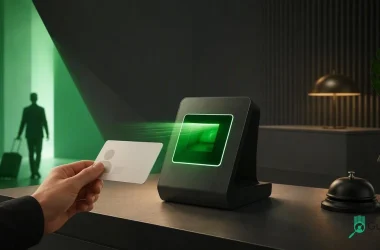
Learn how ID and passport scanning works with IHG HotelKey, what hotels should r...
Read More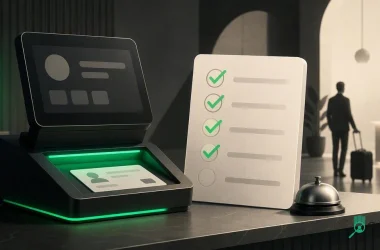
Use this 2026 hotel ID scanner checklist to compare speed, passport support, PMS...
Read More
Compare hotel ID scanners with DNR databases and standalone scanners by alerts, ...
Read More
Compare Minor Decliner alternatives for hotels by ID scanning, guest risk workfl...
Read More
Learn how motel ID scanning speeds check-in, reduces errors, supports incident r...
Read More