TL;DR
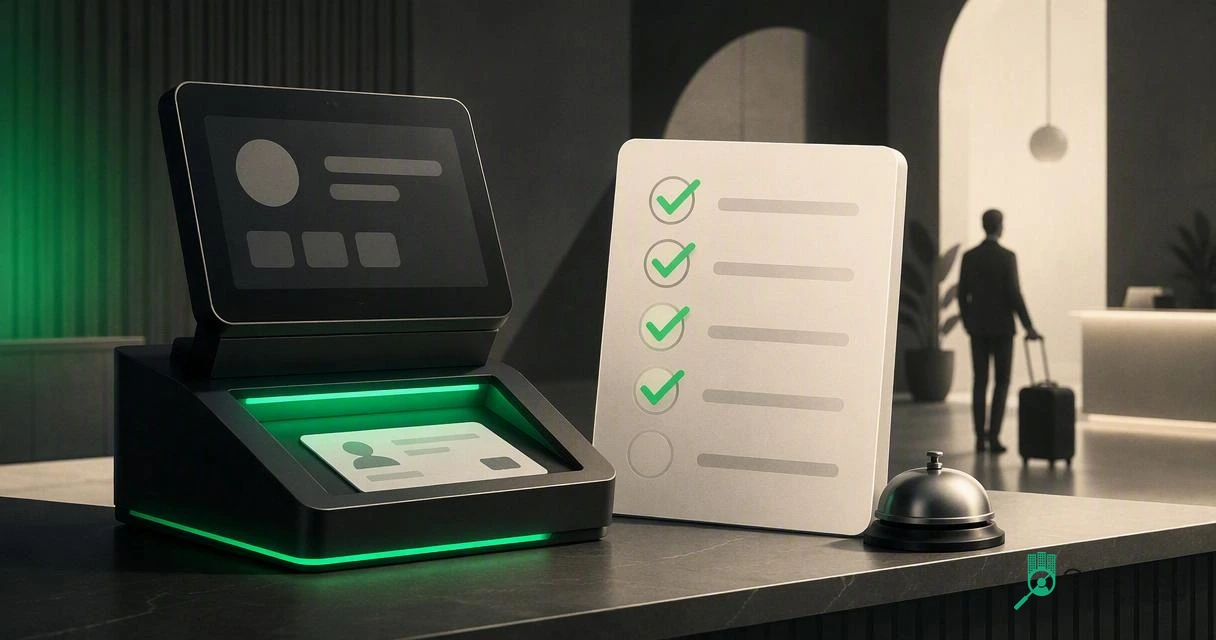
Choose a hotel ID scanner that captures IDs fast, supports passports, exports PMS-ready fields, protects guest data, and keeps audit logs. The safest buying path is to test the full check-in workflow, not just the device specs.
A hotel ID scanner is no longer just a faster way to type a guest's name. In 2026, hotel ID scanner requirements should cover check-in speed, document coverage, PMS data quality, security controls, audit history, and guest-screening workflows. Hotel ID scanner: a front desk tool that reads a government ID or passport, extracts guest data, and sends usable fields into registration, verification, security, or property management workflows. For properties that want the software layer included, GuestBan ID Scanning gives hotel teams a purpose-built way to capture guest identity data and support safer front desk decisions.
Table of Contents
What are the core hotel ID scanner requirements?
Hotel ID scanner requirements are the minimum features a property needs to capture guest identity data quickly, accurately, securely, and in a format the front desk can use. At a practical level, that means fast ID reading, passport support, PMS-friendly fields, secure storage, role-based access, audit logs, and a workflow for flagged guest records.
I'd treat the scanner as part of your check-in control system, not as a stand-alone gadget. A cheap device that scans but leaves staff retyping fields, saving images locally, or hunting through notes is not solving the hotel's real problem.
2026 requirements checklist
| Requirement | What to verify | Why it matters |
|---|---|---|
| Fast capture | ID read in seconds, not minutes | Keeps lines short at peak arrival |
| Passport support | MRZ and image capture for international guests | Reduces manual entry errors |
| PMS-ready fields | Name, address, DOB, ID number, expiry, document type | Cuts duplicate typing |
| Secure storage | Encryption, access controls, retention settings | Protects sensitive guest data |
| Audit logs | User, timestamp, record actions | Supports investigations and accountability |
| Guest screening | Flagged guest notes or watchlist workflow | Helps risk and loss prevention teams |
| Export options | CSV, API, or PMS integration path | Fits multi-property operations |
Key insight: the scanner's job is not "take a picture of an ID." Its job is to turn identity proof into reliable, controlled, PMS-ready guest data.
Which documents and data fields should the scanner capture?
A hotel scanner should capture the identity documents your guests actually present and convert them into clean registration fields. For most hotels, that includes driver's licenses, state or provincial IDs, passports, and passport cards where relevant. Properties with international demand should prioritize passport and MRZ support before buying.
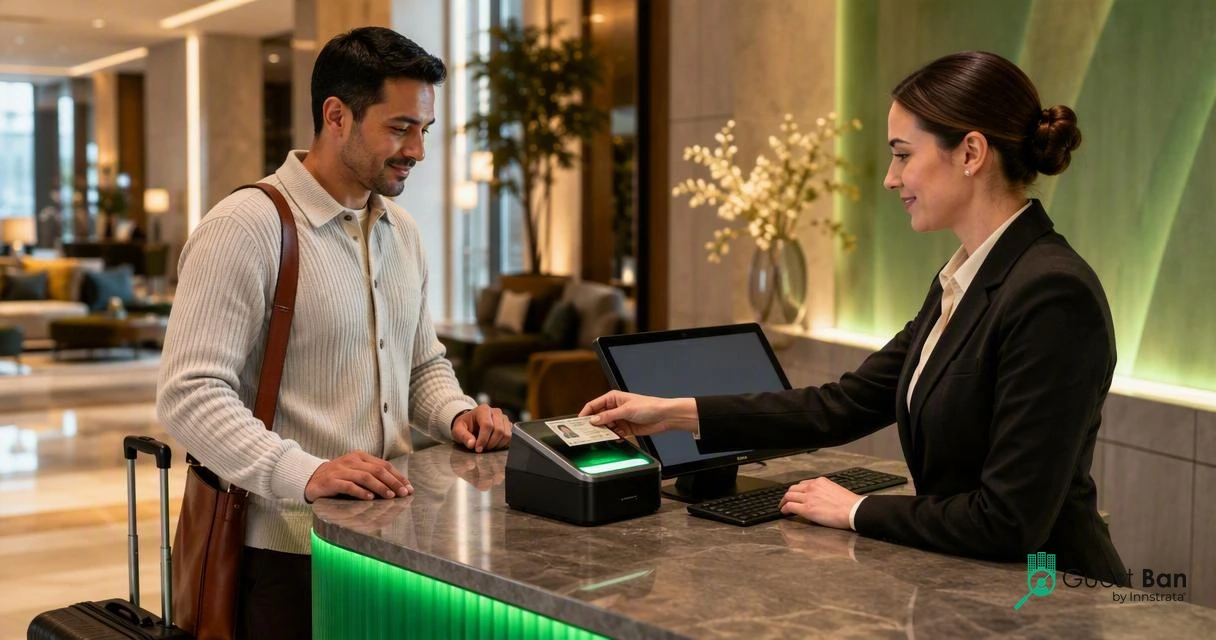
Front desk staff need structured fields, not just images. At minimum, I'd require extraction for:
- Full legal name
- Date of birth, when policy allows collection
- Address from the document
- Document number
- Issuing country, state, or province
- Document type
- Expiration date
- Check-in timestamp
- Staff user or station ID
Manual entry creates avoidable mistakes in names, dates, and document numbers. If you're comparing scanned capture with keyboard entry, this hotel ID scanner vs manual ID entry guide is useful background for operations teams reviewing front desk labor.
Driver's license vs passport capture
| Document type | Scanner capability to require | Operational note |
|---|---|---|
| Driver's license | Barcode or OCR field extraction | Common for domestic guests |
| State or provincial ID | OCR plus document image capture | Useful when barcode formats vary |
| Passport | MRZ reading and image capture | Needed for international check-in |
| Passport card | OCR or machine-readable support | Common at some border and travel markets |
International travel rules vary by country. Wikipedia's definition of visa requirements describes them as administrative entry restrictions imposed by destination authorities, which is a reminder that hotels should not rely on assumptions about a guest's travel document. Capture what your policy requires and store only what you are allowed to keep.
How should ID scanning fit the PMS workflow?
ID scanning should fit the PMS workflow by filling registration fields, attaching verification records when needed, and leaving a clear audit trail without forcing front desk agents to copy data between systems. The best setup removes repetitive typing while keeping the agent in control of guest service decisions.
The workflow I recommend is simple:
- Confirm the reservation in the PMS.
- Scan the guest's ID or passport.
- Review extracted fields before saving.
- Push approved data into the guest profile or registration card.
- Apply any guest-screening or incident-record workflow.
- Store the record according to the property's retention policy.
Properties should ask vendors whether integrations are direct, API-based, export-based, or manual. Direct PMS integrations are ideal, but a clean export can still work for smaller hotels if the process is consistent.
PMS field mapping questions
| PMS workflow question | Good answer from a vendor |
|---|---|
| Can fields be reviewed before save? | Yes, staff can confirm or correct extracted data |
| Can the system avoid duplicate guest profiles? | Yes, matching rules can use name, phone, email, or document fields |
| Can multiple properties share approved settings? | Yes, groups can standardize fields and permissions |
| Can scanned data support chargeback evidence? | Yes, records can be retrieved with user and time details |
If your goal is front desk automation beyond ID capture, the Kiotel automated hotel front desk is worth reviewing as part of a broader check-in modernization plan.
"Don't collect personal information you don't need.", Federal Trade Commission, Start with Security
That line is especially relevant for hotels. PMS integration should reduce data sprawl, not create extra copies across desktops, shared folders, and inboxes.
What security, storage, and audit controls matter most?
Security controls matter because scanned IDs contain sensitive personal information that can create privacy, fraud, and brand-risk exposure if mishandled. A hotel should require encryption, permission controls, retention settings, deletion workflows, audit logs, and vendor accountability before scanning guest documents at scale.
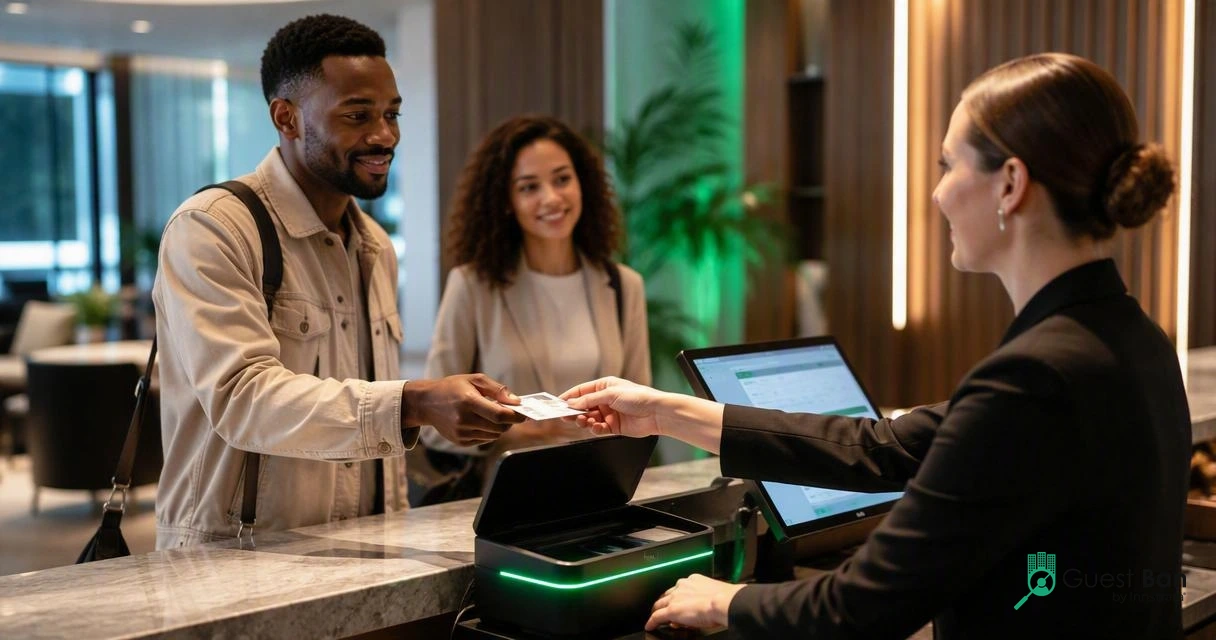
The riskiest setups are usually informal. I've seen properties treat ID capture like photocopying: scan, save, print, email, or store wherever the desk can find it later. That creates weak access control and makes retention almost impossible to enforce. If you're still comparing those methods, read this 2026 guide on ID scanners vs photocopying IDs at hotel check-in.
Security checklist for hotel operators
- Encryption: protect records in transit and at rest.
- Role-based access: limit who can view, export, edit, or delete records.
- Audit logs: record user activity, timestamps, and record changes.
- Retention controls: set rules for how long ID data is kept.
- Deletion process: remove records when policy or law requires it.
- Vendor review: confirm hosting, support access, breach process, and subcontractors.
- Training: teach staff when to scan, what to say, and how to handle refusals.
Academic research on digital operations reinforces the same theme: data-rich systems need governance. A 2022 review of digital twin applications in construction discusses how digitized operational models depend on data quality and system controls, while a 2022 Energy and Buildings study shows how machine-learning systems rely on structured building data. Hotels face a different use case, but the lesson transfers: automation is only useful when the underlying data is controlled.
Key insight: if a scanner cannot show who accessed a record, when they accessed it, and why it was retained, it is not ready for serious hotel operations.
How does GuestBan ID Scanning handle hotel verification workflows?
GuestBan ID Scanning handles hotel verification workflows by combining ID capture with hospitality-specific screening and recordkeeping needs. The platform is designed for front desk teams that need faster check-ins, better guest data, and a practical way to identify repeat problem guests before an incident reaches the room.
For a buyer, the strongest reason to evaluate the GuestBan ID Scanning platform is that it treats identity capture as part of hotel risk management. That matters for owners, general managers, loss prevention teams, and multi-property groups that want more than a scanner attached to a workstation.
Buyer comparison for 2026
| Option | Best fit | Watch for |
|---|---|---|
| Basic document scanner | Small office-style image capture | Often lacks hotel workflow features |
| Passport scanner hardware | International-heavy properties | Needs software and PMS workflow planning |
| ID verification app | Digital registration and remote capture | May not support property-level screening needs |
| GuestBan ID Scanning | Hotels that want ID capture plus guest-screening workflow | Confirm local policy, retention, and PMS fit during setup |
If your property receives many international travelers, compare hardware options such as a passport scanner for hotels before finalizing the front desk station. The best answer may be a document reader paired with software that supports your PMS, staff workflow, and risk policy.
For next steps, visit guestban.com, list the exact fields your PMS needs, and test a real arrival flow with a front desk agent before approving any purchase.
FAQ: hotel ID scanner buying questions
Do hotels legally have to scan guest IDs?
Some hotels must verify identity because of local lodging rules, payment policies, security policies, or brand standards, but scanning requirements vary by jurisdiction. Ask local counsel or your lodging association before setting policy. Even where scanning is allowed, collect the least data needed and document your retention rules.
Is a passport scanner different from a hotel ID scanner?
Yes. A passport scanner is built to read passport documents, often including the machine-readable zone, while a general hotel ID scanner may focus on driver's licenses and state IDs. Hotels with international guests should require passport support rather than assuming a license scanner can handle every document.
What should a hotel avoid when scanning IDs?
Avoid saving ID images on local desktops, emailing scans between staff, giving every employee full access, or keeping records forever without a reason. Those habits create privacy and security exposure. A controlled system with permissions, audit logs, and retention settings is safer than ad hoc file storage.
How should a hotel start evaluating vendors?
Start with your front desk workflow, not the brochure. Write down required documents, PMS fields, access roles, retention needs, and screening steps. Then run a live test with common arrivals: local guest, international guest, group booking, declined card, and returning flagged guest.
Conclusion
The best hotel ID scanner requirements are operational, not just technical: fast capture, passport support, PMS-ready fields, secure storage, audit logs, and a clear guest-screening process. Before buying, test the full check-in path with real staff, real documents, and your PMS field list. If you want a hotel-focused option, evaluate GuestBan ID Scanning, then head to guestban.com to plan a workflow review with your team.