

Front desk mistakes are expensive. A single fraudulent guest, chargeback, or false identity can cost a hotel thousands of dollars and hours of staff time. That’s why many properties using AutoClerk PMS have added ID scanning tools directly into their check‑in workflow. Instead of manually typing information from a driver’s license or passport, the scanner captures the data in seconds and stores it with the reservation. Systems like those integrated with AutoClerk Cloud, along with platforms such as Innstrata Hospitality, are helping independent hotels improve guest verification, reduce fraud, and speed up operations without adding complexity for front desk staff.
What AutoClerk ID Scanning Does at the Hotel Front Desk
Manual ID entry slows down check‑in and increases the chance of errors. AutoClerk ID scanning solves this by reading government IDs and automatically transferring the information into the property management system.
Instead of typing guest details line by line, the front desk agent scans the ID once. The system extracts key data fields such as name, address, ID number, and date of birth, then attaches that information to the guest profile in AutoClerk.
Hotels adopt ID scanning for three main reasons:
- Faster check‑ins during busy arrival windows
- More accurate guest records
- Stronger fraud and chargeback protection
Many modern scanners also capture an image of the ID for audit purposes. This record becomes valuable if disputes arise later.
“Security is not a product, but a process.”, Bruce Schneier, Schneier on Security
For hotels, identity verification is part of that process. ID scanning simply makes it reliable and repeatable.
Information Captured During a Scan
Most ID scanners connected to AutoClerk capture structured data from the barcode or machine‑readable zone on the ID. Typical fields include:
- Full legal name
- Address
- Date of birth
- ID number
- Expiration date
- State or country of issue
The data automatically populates the guest profile. Staff can verify it visually and complete check‑in faster.
Why Hotels Are Replacing Manual ID Entry
Typing guest information during check‑in creates several problems. Typos lead to mismatched guest records, incorrect billing addresses, and incomplete compliance logs.
Scanning removes most of that risk. The information comes directly from the ID barcode, so it matches the official document. Hotels using scanning technology also report shorter front desk lines and fewer registration card errors.
Properties evaluating hardware often start by comparing devices in guides like this overview of the best ID scanner for hotel front desk operations.
How the AutoClerk ID Scanning Process Works Step by Step
The scanning workflow inside AutoClerk is designed to fit naturally into the normal check‑in process. Front desk agents don’t need technical training to use it.
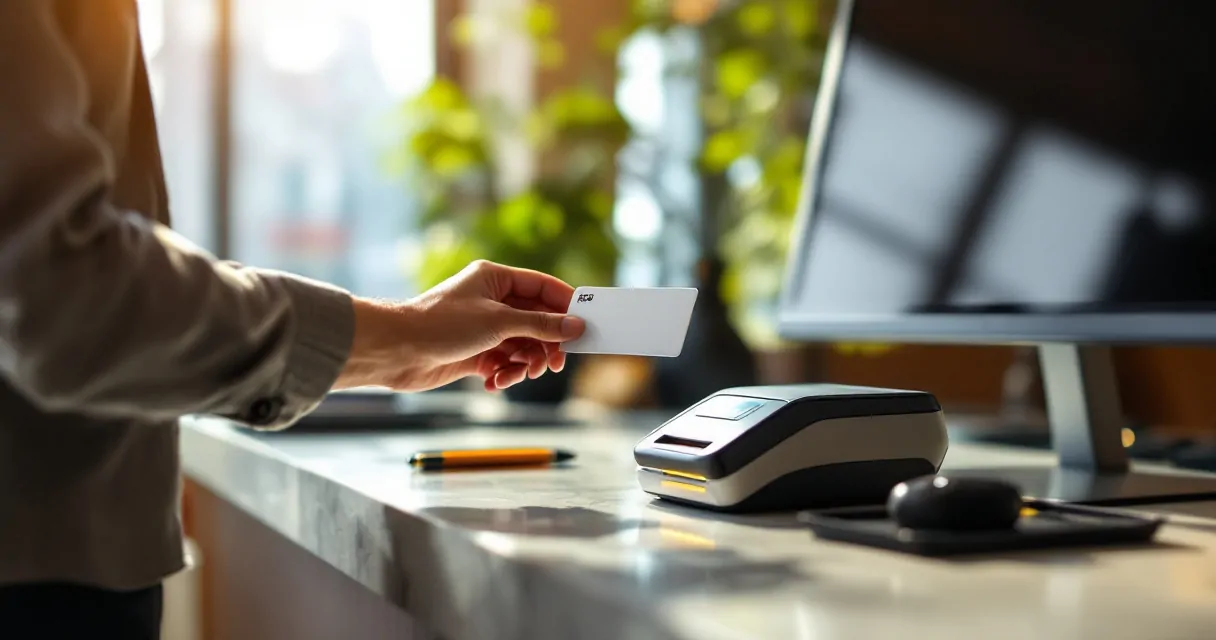
Typical Check‑In Workflow Using ID Scanning
- Open the guest reservation inside AutoClerk.
- Ask the guest for a government‑issued ID.
- Insert the ID in the scanner.
- The scanner reads the ID Card.
- Guest data populates automatically in the PMS.
- The system stores an image of the ID for security.
The entire process takes only a few seconds.
Common Hardware Used With AutoClerk
Different scanners are compatible with AutoClerk Cloud PMS. Many hotels use dedicated ID readers designed for hospitality environments.
| Scanner Type | How It Works | Typical Use Case |
|---|---|---|
| Barcode ID scanner | Reads PDF417 barcode on licenses | Fast domestic check‑ins |
| Passport scanner | Reads machine‑readable zone | International travelers |
| Multi‑document scanner | Reads licenses, passports, visas | High‑volume properties |
These devices connect via USB and act like input devices, so the PMS receives the data instantly.
Staff Training Is Minimal
Most hotels train staff in less than 10 minutes. If employees can operate a credit card terminal, they can usually operate an ID scanner. This simplicity is why adoption has expanded across independent hotels and regional chains.
Fraud Prevention, Chargebacks, and Guest Verification
Identity verification is one of the strongest defenses hotels have against fraud. ID scanning creates a verifiable record linking the guest to the reservation and payment method.
When disputes occur, hotels can reference the stored ID scan along with registration forms and payment records.
Why ID Scanning Reduces Chargebacks
Chargebacks often happen when a guest claims they never stayed at the hotel or did not authorize the charge. A stored ID image tied to the reservation provides evidence that the guest physically checked in.
Hotels building a stronger defense strategy often combine ID scanning with policies outlined in guides such as steps to prevent chargebacks in hotels.
Key protections ID scanning provides include:
- Verifiable identity tied to the reservation
- Proof of physical presence at check‑in
- Accurate guest contact details
- Documentation for dispute responses
Supporting Law Enforcement Requests
Hotels occasionally receive requests from law enforcement during investigations. Accurate guest records can help confirm who stayed at the property.
For example, real incidents like the case described in this report about a hotel arrest following police investigation highlight why maintaining reliable guest identity records matters.
When a property has ID scans attached to reservations, retrieving that information becomes much easier for authorized requests.
Building and Maintaining DNR Lists
Hotels also use scanned ID data to enforce Do Not Rent (DNR) lists. If a banned guest attempts to check in under a slightly different name, the stored identification records can reveal the match.
Multi‑property operators often centralize this process using systems like the Innstrata Hospitality platform combined with guidance from resources such as how multi‑property hotels manage DNR lists.
Operational Benefits Beyond Security
While fraud prevention gets most of the attention, the operational advantages of ID scanning are just as valuable. Busy properties often process hundreds of check‑ins per day, and even small efficiency gains add up.

Faster Check‑In During Peak Hours
Front desks typically experience heavy traffic during late afternoon arrivals. Scanning IDs instead of typing guest details speeds up each transaction.
Benefits include:
- Shorter wait times for guests
- Less stress for front desk agents
- Reduced data entry errors
Hotels focused on improving the guest arrival experience often pair ID scanning with other operational improvements, including marketing strategies discussed in the Innstrata Hospitality blog.
Better Data for Guest Profiles
Clean data improves every department in a hotel. When guest details are captured accurately, the information becomes more useful for marketing, loyalty programs, and analytics.
Examples include:
- Accurate mailing addresses for post‑stay communication
- Improved guest history tracking
- Better segmentation for marketing campaigns
Properties running targeted campaigns based on guest profiles often combine accurate identity data with techniques outlined in this hotel email marketing strategy guide.
Reduced Staff Errors
Human error causes many administrative problems at the front desk. Incorrect spellings, missing digits in addresses, or swapped birth dates can create duplicate guest profiles.
Scanning eliminates most of those mistakes by pulling data directly from the ID.
What to Look for When Choosing an ID Scanner for AutoClerk
Not all ID scanners are designed for hotel environments. Choosing the right device ensures compatibility with AutoClerk and minimizes operational headaches.
Key Features Hotels Should Evaluate
When comparing scanners, hotel operators usually focus on several factors.
- Compatibility with AutoClerk Cloud PMS
- Ability to read driver licenses and passports
- Speed of data capture
- Reliability during high‑volume check‑ins
- Secure storage of ID images
Devices like the GuestBan ID scanner are commonly used in AutoClerk environments because they read the PDF417 barcode on North American driver licenses.
Compliance and Data Protection
ID information is sensitive data. Hotels must store and access it carefully. Good systems include:
- Secure storage inside the PMS
- Controlled access permissions
- Clear retention policies
Properties implementing scanning tools often integrate them with broader operational platforms such as GuestBan, which focuses on revenue protection, guest management, and operational efficiency for independent hotels.
Hardware vs Software Considerations
Hardware alone does not solve identity verification problems. The biggest benefits appear when the scanner works smoothly with the PMS and other operational tools.
Hotel owners evaluating new technology should check:
- PMS integration capabilities
- Vendor support availability
- Ease of front desk training
- Long‑term reliability
Making the right choice early prevents workflow issues later.
Conclusion
AutoClerk ID scanning turns a slow, manual task into a fast and reliable step in the check‑in process. By automatically capturing guest identification data, hotels reduce fraud risk, strengthen chargeback protection, and improve operational efficiency at the front desk.
Independent hotels and regional groups increasingly combine ID scanning with operational platforms like Innstrata Hospitality to manage guest verification, fraud prevention, and property performance from a single system. If your property still relies on manual ID entry, upgrading this process can immediately improve security and speed.
To see how these tools fit into a modern hotel technology stack, explore the solutions available through Innstrata Hospitality or request a live walkthrough through their platform. A short evaluation today can prevent costly fraud incidents tomorrow.