
TL;DR
ID verification confirms the guest’s identity at check-in, while screening databases help hotels assess operational risk before or during the stay. Most hotels need ID capture as the foundation, then screening alerts or internal do-not-rent records when risk, chargebacks, property damage, or repeat incidents justify the extra workflow.
A hotel can scan a real ID and still accept a high-risk reservation, which is why ID verification software vs guest screening databases for hotels is not a one-tool decision. Hotel ID verification: software that captures, parses, and checks a guest identity document so the property knows who is checking in. Guest screening database a system of internal records, alerts, or third-party checks used to flag stay-related risk, such as prior incidents, fraud patterns, or do-not-rent history. For properties modernizing check-in, GuestBan ID Scanning helps create reliable guest records before risk decisions are made.
Table of Contents
What is the difference between ID verification and guest screening?
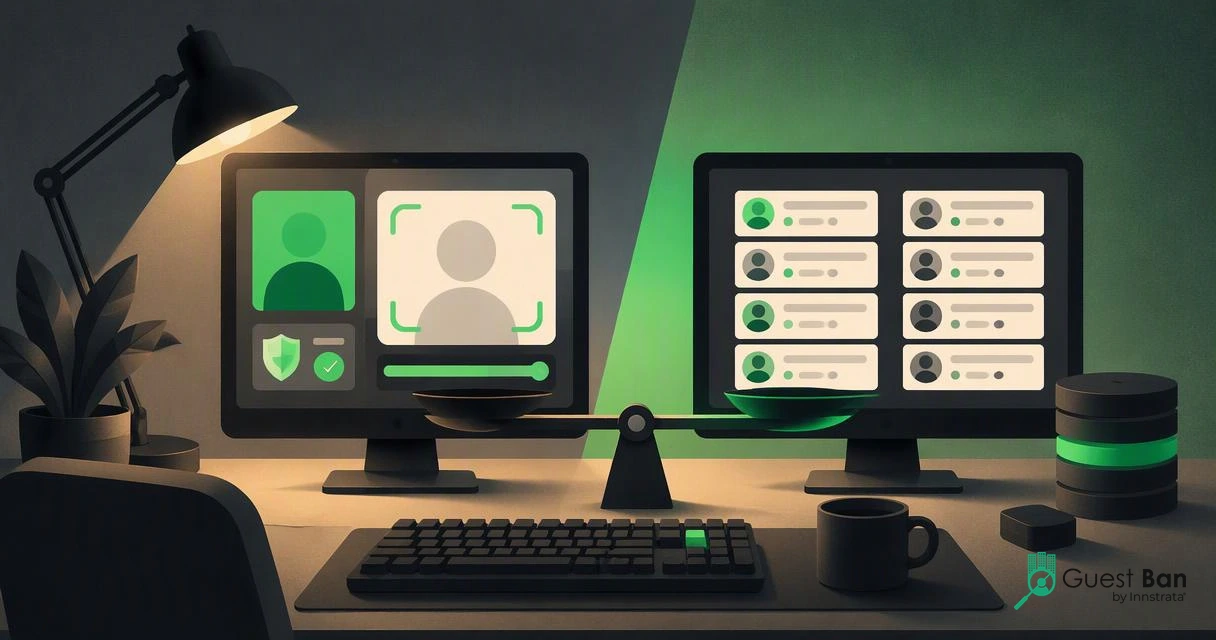
ID verification confirms identity, while guest screening evaluates stay risk. Verification answers, “Is this guest who they claim to be?” Screening answers, “Should we accept this stay under our policies?” Hotels should treat them as connected controls, not substitutes.
The distinction matters because front desk teams often use one phrase for both jobs. A driver’s license scan, passport capture, or document authentication step helps create an accurate guest profile. It does not automatically tell you whether the guest has damaged rooms before, violated rules, or appears in a property group’s internal do-not-rent records.
Guest screening, by contrast, relies on policy-driven information. That may include previous incidents, unpaid balances, chargeback behavior, local property notes, or approved screening alerts. For a deeper operational breakdown, see Hotel Guest Verification vs Guest Screening: What Hotels Should Check in 2026.
“Security is a process, not a product.”, Bruce Schneier, Schneier on Security
Core comparison for hotel operators
| Category | ID verification software | Guest screening database |
|---|---|---|
| Primary question | Who is checking in? | Does this stay create risk? |
| Best moment | Booking, pre-arrival, kiosk, or front desk | Pre-arrival, check-in, or before key issuance |
| Typical data | ID image, parsed name, date of birth, address, document type | Incident records, internal DNR entries, alerts, notes, policy flags |
| Main user | Front desk, night audit, operations | Operations, risk, loss prevention, ownership |
| Best output | Verified guest record | Accept, review, deposit, or decline decision |
| Biggest risk if skipped | Bad guest data and weak audit trail | Repeat incidents and inconsistent risk decisions |
When should hotels use ID verification software?
Hotels should use ID verification software whenever accurate guest data, age checks, payment matching, audit trails, or self check-in workflows matter. It is the baseline layer for safer operations because it standardizes identity capture before staff make judgment calls.

In my experience, the strongest use case is consistency. A busy front desk agent may mistype a name, skip an address field, or forget to attach an ID image. Software reduces those gaps by parsing machine-readable data and routing it into a guest record or property management workflow.
Hotels evaluating this category should focus on practical check-in needs, not only fraud language. Passport support, driver’s license parsing, PMS field mapping, retention controls, and exception handling matter more than a flashy dashboard. A useful buyer checklist is available in Hotel ID Scanner Requirements: 2026 Buyer Checklist for Safer Check-Ins.
Operational jobs ID software handles well
- Captures guest identity documents at the desk, kiosk, or pre-arrival flow
- Parses fields such as name, address, date of birth, and document number
- Reduces manual typing and duplicate guest profiles
- Supports audit trails for disputes, incidents, and policy reviews
- Helps standardize ID collection across multiple properties
- Feeds cleaner data into PMS, CRM, and guest record systems
The GuestBan ID Scanning platform fits this part of the workflow by helping hotels capture guest IDs and create cleaner records before check-in decisions are finalized.
When do hotels need guest screening databases?
Hotels need guest screening databases when identity alone is not enough to manage repeat incidents, policy violations, fraud exposure, or multi-property risk. Screening is most valuable when a hotel has clear rules for what happens after an alert appears.
A database should never become an informal blacklist with vague notes. Risk tools need governance: who can create a record, what evidence is required, how long records are kept, and how guests can be reviewed under applicable law. The ACM Computing Surveys paper on algorithmic bias is not hotel-specific, but its bias focus is a useful reminder that automated decision systems need oversight.
Screening also changes by property type. An extended-stay hotel may care more about unpaid balances, unauthorized occupants, or prior rule violations. A resort may focus on chargebacks, party risk, or past property damage. Hotels exploring longer-stay workflows can review extended-stay guest background screening considerations.
Policy questions before using a screening database
- What risk are we trying to reduce? Define the incident types that justify screening.
- What evidence is required? Require dates, property names, staff notes, photos, or financial records where appropriate.
- Who can see alerts? Limit access to trained managers and authorized staff.
- What decision follows an alert? Use review, deposit, manager approval, or decline rules.
- How long do records stay active? Set retention periods and review schedules.
A screening database is only as fair as the hotel policy behind it. If the rule is unclear, the alert will be unclear too.
How should hotels combine verification and screening in 2026?
Hotels should combine ID verification and screening by verifying identity first, then applying risk rules to the verified guest record. That sequence gives managers cleaner data, fewer duplicate records, and a more defensible decision process.

The mistake I see is reversing the order. If a hotel screens a misspelled name, nickname, or incomplete reservation profile, the result can be noisy. A verified identity record gives screening tools a better foundation and gives staff a clearer audit trail if a decision is questioned later.
Generative AI and synthetic identity risks also make clean workflows more important. The 2023 multidisciplinary paper on ChatGPT notes broad opportunities and challenges for practice and policy in AI adoption, and hotels should apply that same caution to identity and risk automation: human review still matters when tools affect access to lodging source.
Recommended hotel workflow
- Capture the ID: Scan the guest’s driver’s license, passport, or accepted ID.
- Create or update the record: Parse identity fields into the hotel’s guest profile.
- Match the reservation: Compare the verified name with booking and payment details.
- Apply screening rules: Check internal incident history, DNR records, or approved alerts.
- Escalate exceptions: Send mismatches or alerts to a manager, not a rushed desk agent.
- Document the decision: Record the reason for deposits, review, denial, or approval.
With GuestBan ID Scanning, hotels can anchor the workflow around a reliable ID record, then connect that record to guest management and risk procedures.
How GuestBan ID Scanning handles this comparison
GuestBan ID Scanning is best understood as the identity capture layer that supports better hotel records and risk workflows. It helps hotels move from manual ID handling to structured guest data, which is the foundation for fairer screening and stronger front desk control.
For hotels comparing tool categories, I would start with the operational pain. If your issue is inaccurate PMS data, slow check-in, or missing ID records, prioritize ID scanning. If your issue is repeat incidents across properties, add screening alerts and do-not-rent governance. If both problems exist, use both, but keep their jobs separate.
Properties that already maintain internal incident records may also need formal do-not-rent workflows. GuestBan’s guide to do-not-rent list software for hotels explains how those records can be managed more consistently across teams.
“The question of whether a computer can think is no more interesting than the question of whether a submarine can swim.”, Edsger W. Dijkstra, EWD936
Who should pick which option
| Hotel situation | Better first choice | Why |
|---|---|---|
| Manual ID copying slows check-in | ID verification software | Fixes data capture and record quality first |
| Staff cannot find prior incident history | Screening database | Centralizes risk information for review |
| Multi-property group with repeat problem guests | Both | Verified identities make shared alerts more reliable |
| Self check-in or kiosk rollout | ID verification software | Identity capture must work without constant staff help |
| High incident volume or extended stays | Both | Longer stays increase the value of identity plus policy review |
FAQ
Hotel leaders usually ask the same practical questions before buying either category: what is required, what is optional, and how to avoid over-collecting data. These answers keep the decision focused on operations, not buzzwords.
Is ID verification the same as a background check?
No. ID verification confirms identity document data and helps the hotel know who is checking in. A background check or screening process evaluates risk using separate records, policies, or databases. Hotels should avoid calling basic ID scanning a background check unless the workflow actually includes screening criteria.
Can a hotel use screening without scanning an ID?
A hotel can screen reservation data, but the result is weaker if the identity record is incomplete or misspelled. Scanning an ID first improves matching and reduces duplicate profiles. I would treat verified identity as the cleaner starting point for any screening decision.
Do all hotels need a guest screening database?
No. Smaller properties with low incident volume may only need reliable ID capture and clear front desk procedures. Screening databases become more useful for multi-property groups, extended-stay hotels, high-chargeback locations, or properties with recurring safety and damage issues.
What should hotels expect next in 2027?
Expect more automated identity capture, stronger PMS integrations, and closer review of AI-based screening decisions. Hotels will need cleaner consent language, tighter retention rules, and better manager review paths. The winners will be properties that separate identity proofing from risk judgment while connecting both workflows.
Conclusion
The practical answer to ID verification software vs guest screening databases for hotels is simple: verify identity first, then screen for risk when your property has a clear reason and policy. Start by mapping your check-in workflow, incident history, PMS data gaps, and escalation rules. If clean guest records are your priority, evaluate GuestBan ID Scanning and visit guestban.com to see how ID capture can support safer, faster hotel operations.

