Description
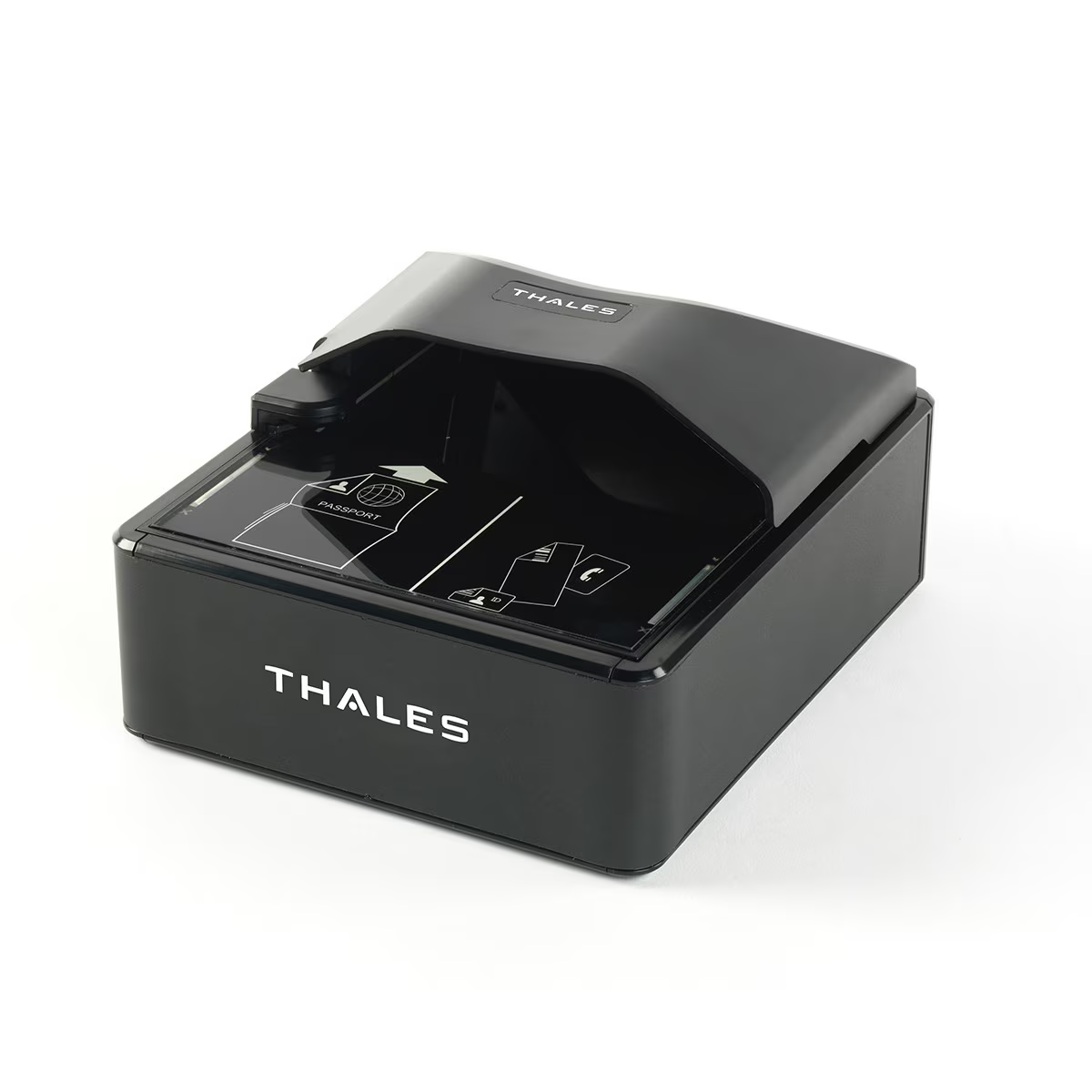
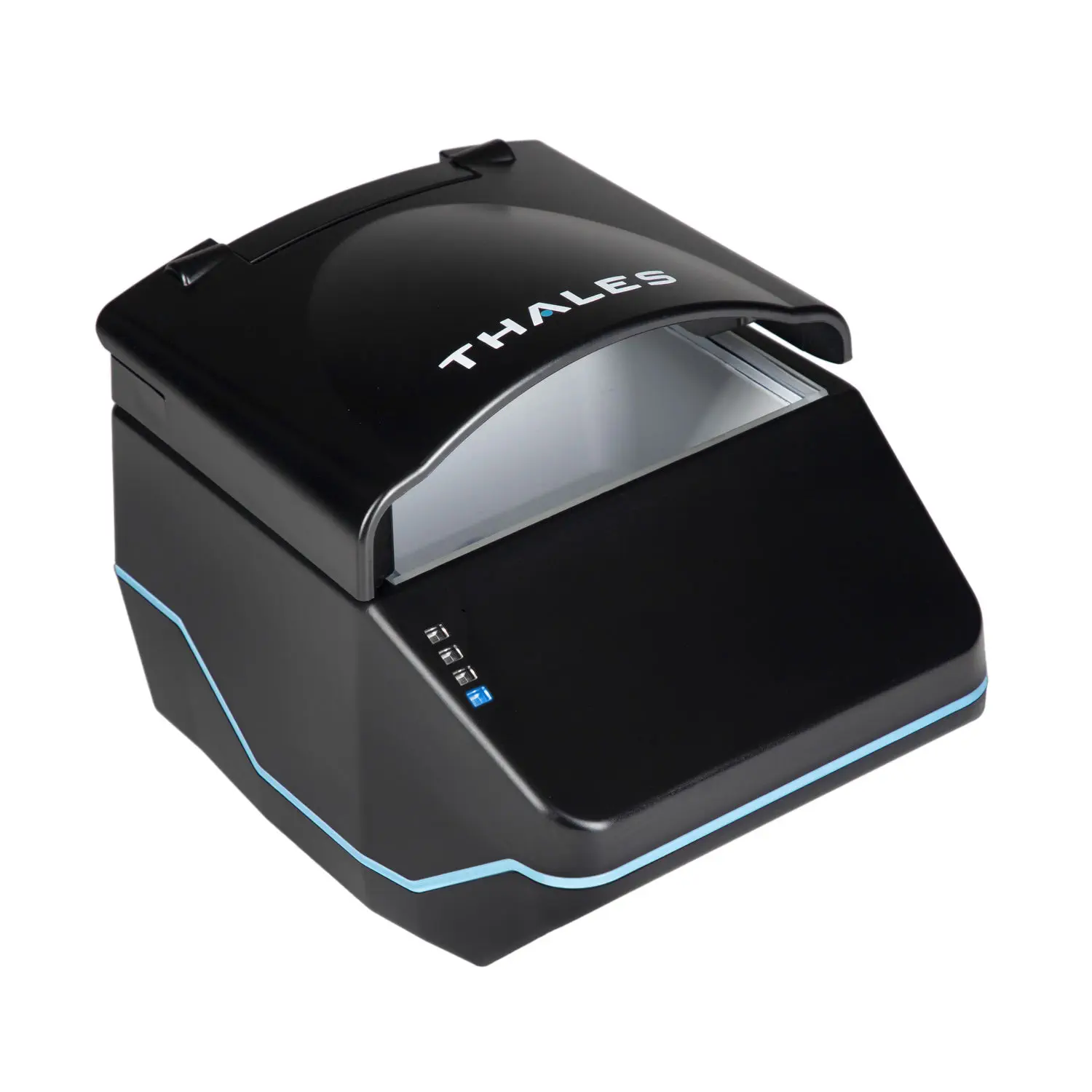
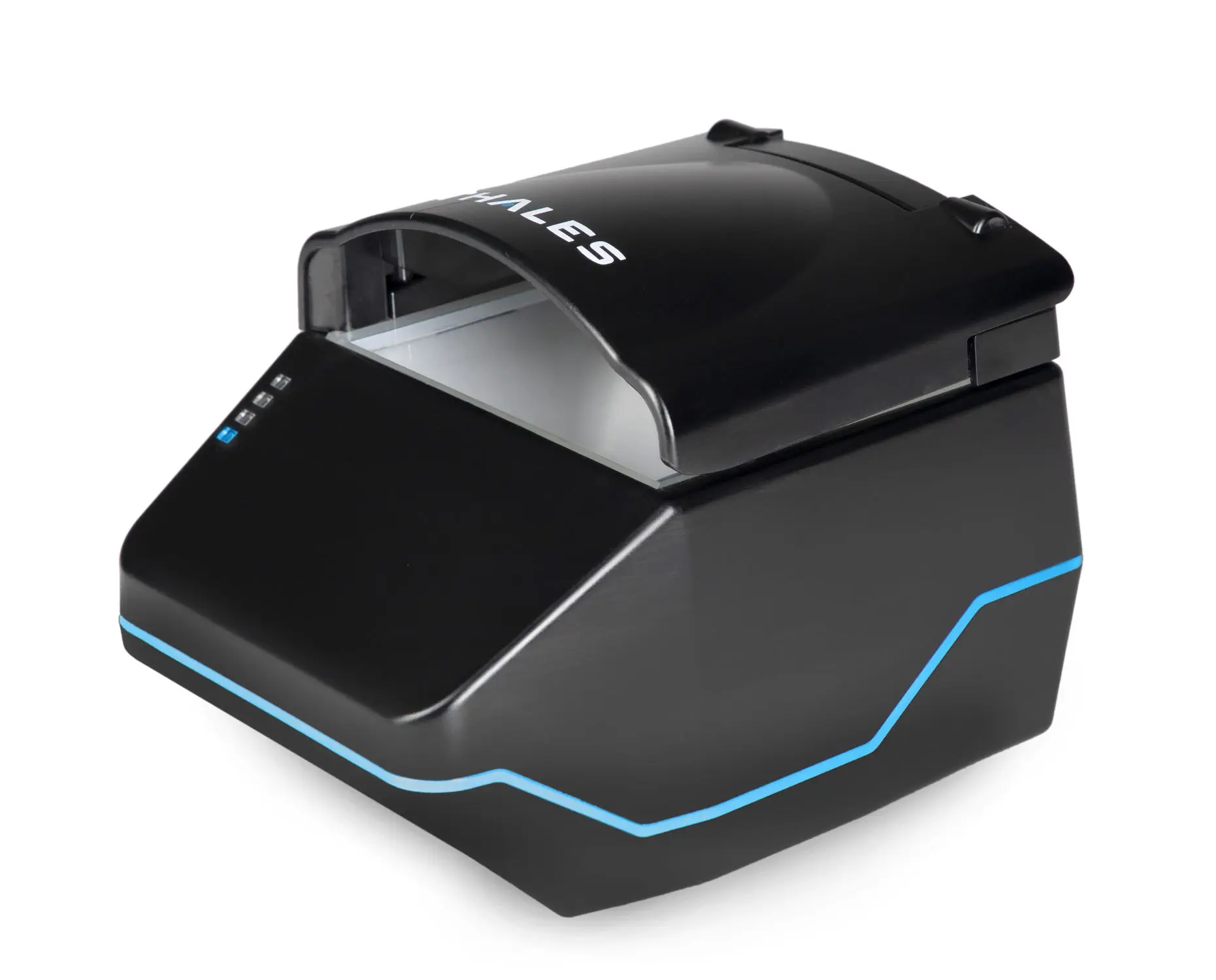
Thales QS2000 Passport and ID Scanner
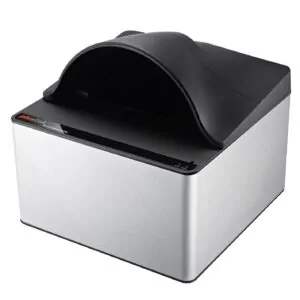
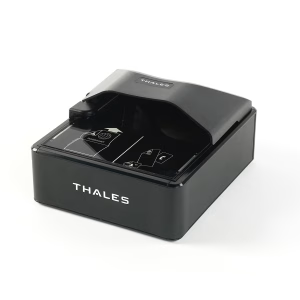
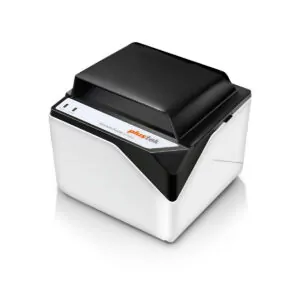
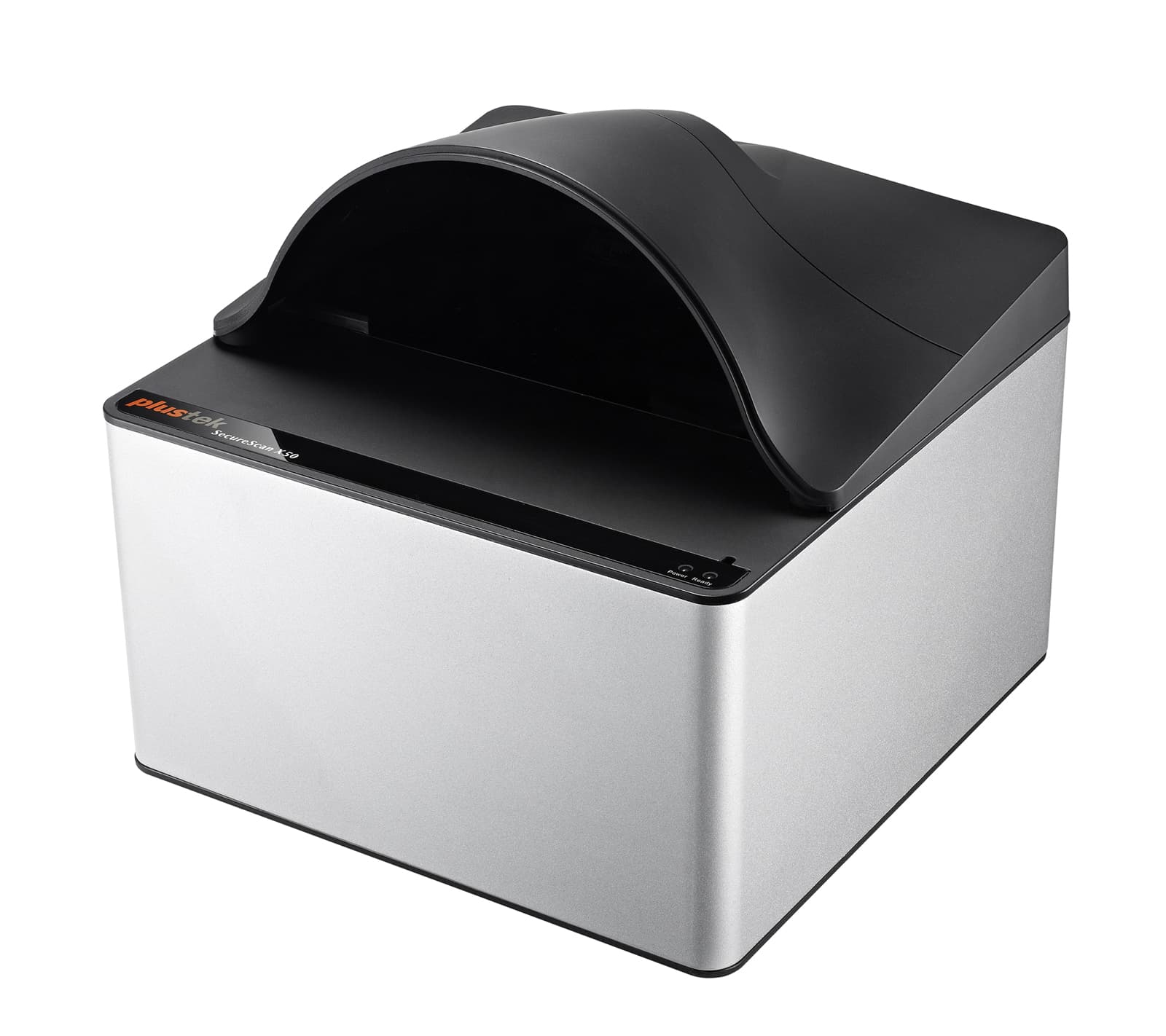
The Thales QS2000 brings fast, reliable full page passport and identification document scanning to the Guest Ban platform.
Designed for commercial environments such as hotel front desks, the QS2000 captures passport books, visas, driver licenses, identification cards, and supported travel documents. Its open document window, automatic document detection, and durable construction support a simple and consistent guest registration workflow.
See How to Scan a Passport or ID
Watch the Thales QS2000 capture a guest document as part of the Guest Ban scanning workflow.
Fully Integrated With Guest Ban
When connected to Guest Ban, the QS2000 can capture available guest identification details and reduce repetitive manual entry during check in.
Guest Ban can use the captured information to:
- Automatically populate available guest information
- Transfer guest details into supported property management systems
- Check the guest against the property’s Do Not Rent list
- Display enabled Guest Ban alerts
- Capture passport and identification document images
- Store document evidence according to the property’s plan and retention settings
- Support incident, fraud, and chargeback reviews
Full Page Passport, Visa, and ID Capture
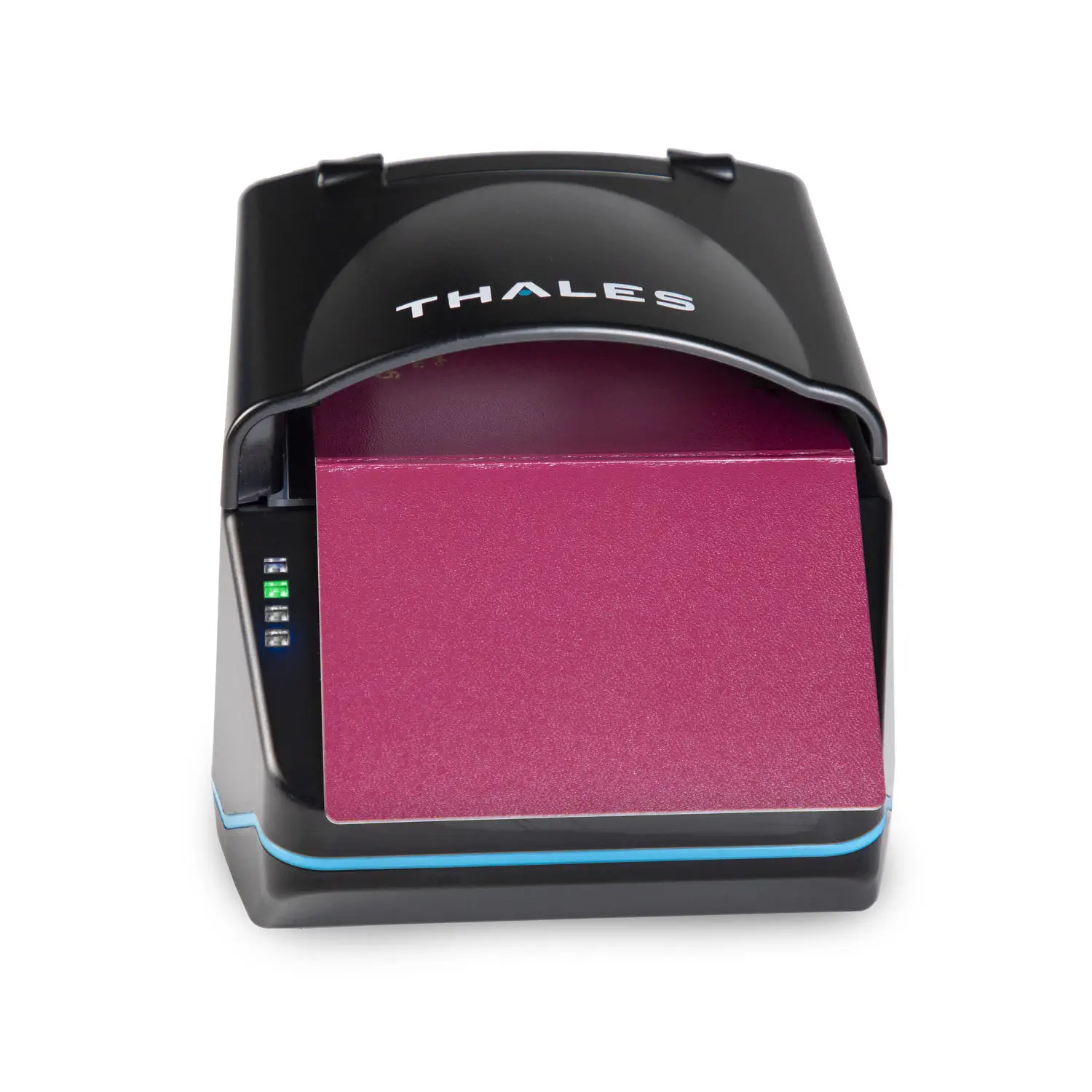
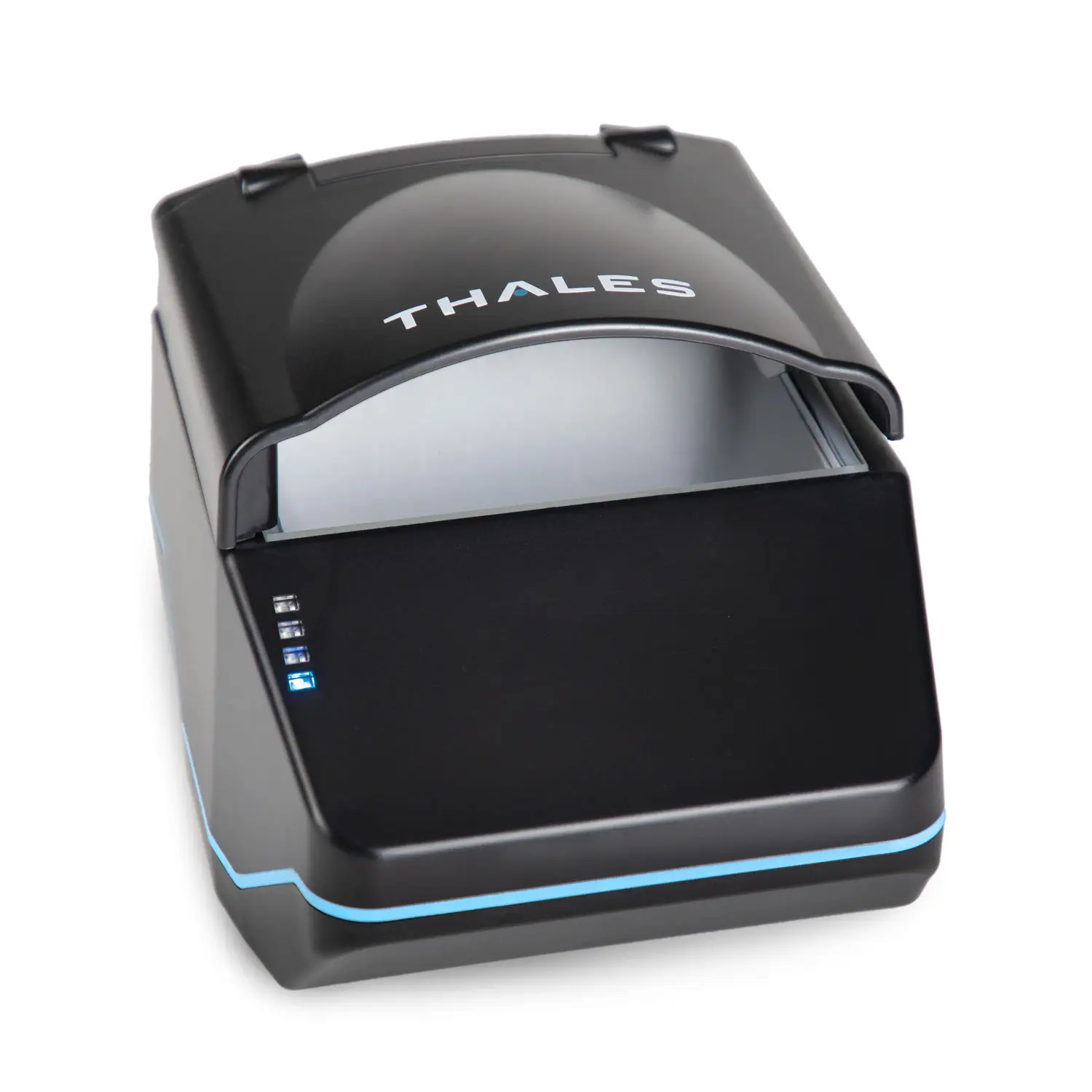
The QS2000 combines full page visible image capture, machine readable zone recognition, and supported barcode reading in one desktop device. Its open document window accepts supported documents in any orientation and automatically begins capture when a document is detected.
Simple Automatic Scanning
Automatic document detection helps employees begin a scan quickly without pressing a scanner button.
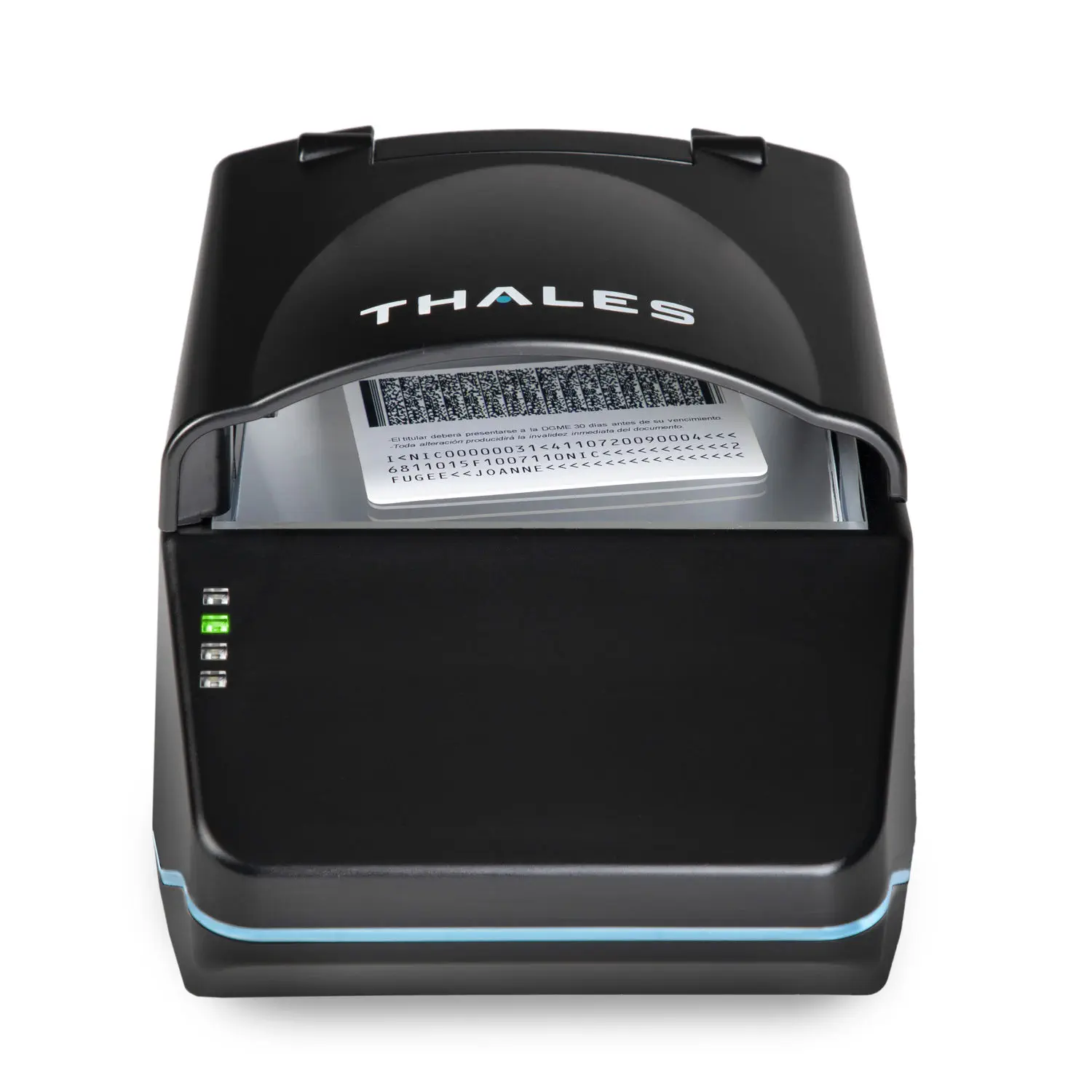
- Open the passport to the photo and data page, or place the identification card flat on the document window.
- The QS2000 automatically detects the document and captures the visible image.
- Guest Ban reads available document details, machine readable zone information, or supported barcode data.
- For an identification card, turn the card over and scan again when both front and back images are required.
- Review the captured details and any enabled Guest Ban alerts.
- Transfer the available guest information into the supported hotel system.
High Resolution Visible Imaging
The QS2000 captures full color or grayscale document images using visible illumination. Its 400 DPI camera and 24 bit color output support clear image capture, optical character recognition, barcode reading, and document record retention.
Fast Guest Data and Barcode Capture
Guest Ban can use available OCR, machine readable zone, and barcode information captured by the scanner to reduce manual typing and improve registration consistency.
Guest information that may be populated:
- Guest name
- Date of birth
- Nationality
- Passport, driver license, or ID number
- Issuing country or state
- Document expiration date
- Address when available on the document
- Other supported identity fields
Available fields vary by document type, issuing authority, Guest Ban plan, and system configuration.
Durable Commercial Design
The QS2000 measures approximately 7.3 inches long, 6.0 inches wide, and 5.2 inches high. It weighs approximately 1.7 pounds and has no motorized moving parts.
Chemically strengthened glass, an internally sealed optical chamber, and USB power make the scanner suitable for hotels, casinos, visitor management desks, and other commercial environments that require dependable document capture.
Thales QS2000 Specifications
| Specification | Details |
|---|---|
| Device type | Full page desktop passport and identification document reader |
| Scanning method | Single surface capture with automatic document detection |
| Supported documents | Passport books, visas, driver licenses, identification cards, ICAO travel documents, and supported barcodes |
| Document placement | Supports document placement in any orientation |
| Imaging | Visible illumination with full color or grayscale capture |
| Image resolution | 400 DPI |
| Color capture | 24 bit color |
| Data capture | OCR, machine readable zone, and supported one dimensional and two dimensional barcodes |
| Dimensions | Approximately 7.3 × 6.0 × 5.2 inches |
| Weight | Approximately 1.7 pounds |
| Connection | High speed USB 3.1 Type C host connection compatible with USB 2.0 or USB 3 |
| Power | Powered through one USB 500 mA port |
| Construction | No motorized moving parts, strengthened glass, and sealed optical chamber |
| Operating system support | Windows, macOS, and Linux support varies by software and integration |
| RFID | Optional on supported configurations and not included with every unit |
| UV and infrared imaging | Not supported on the standard QS2000 configuration |
| Duplex capture | Not supported; identification cards are scanned one side at a time |
| Warranty | One year manufacturer’s warranty |
Product Names and Search Variations
This scanner may also be listed or searched for as the Thales QS2000, Thales Gemalto QS2000, Gemalto QS2000, QS2000 document reader, QS2000 passport scanner, Thales passport and ID scanner, or full page passport reader.
Important Software and Compatibility Information
The Thales QS2000 does not include Guest Ban software by itself. A Guest Ban software plan, installation, and scanner configuration are required to use Guest Ban features.
Available property management system integrations, alerts, screening features, data fields, and record retention depend on the property’s selected Guest Ban plan and system configuration.
QS2000 hardware configurations can differ. Confirm RFID capability and other optional features before purchase. Document support and data extraction vary by document type, issuing authority, condition, and layout.