Description
Plustek X Mini 2000 Passport and ID Scanner
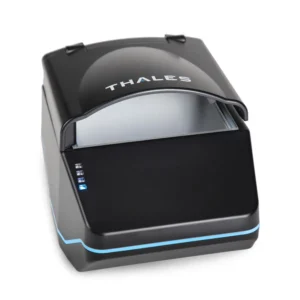
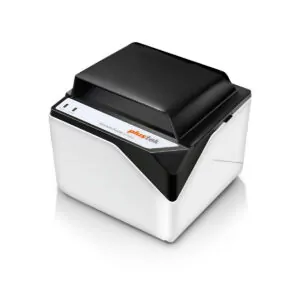
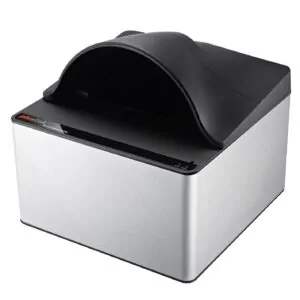
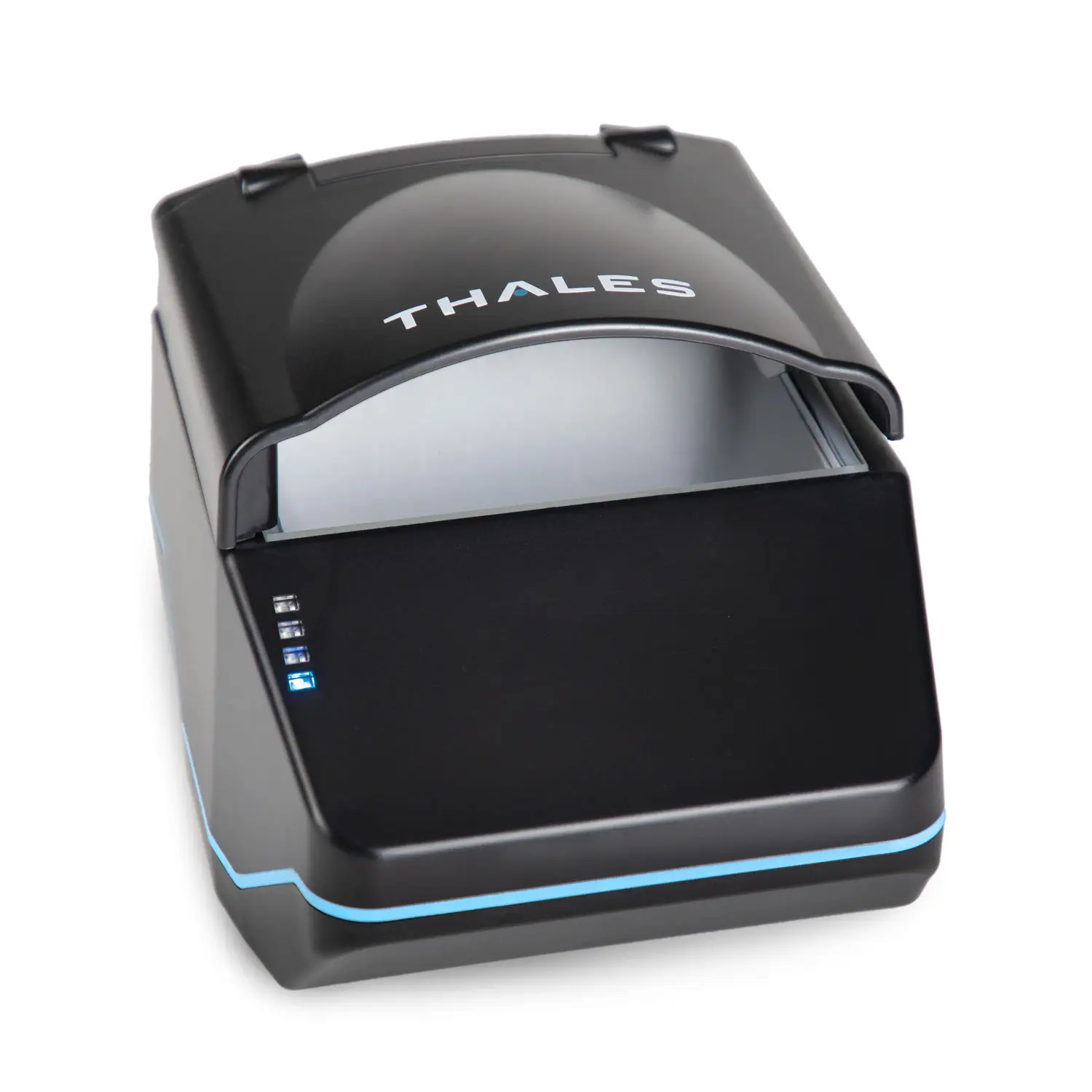
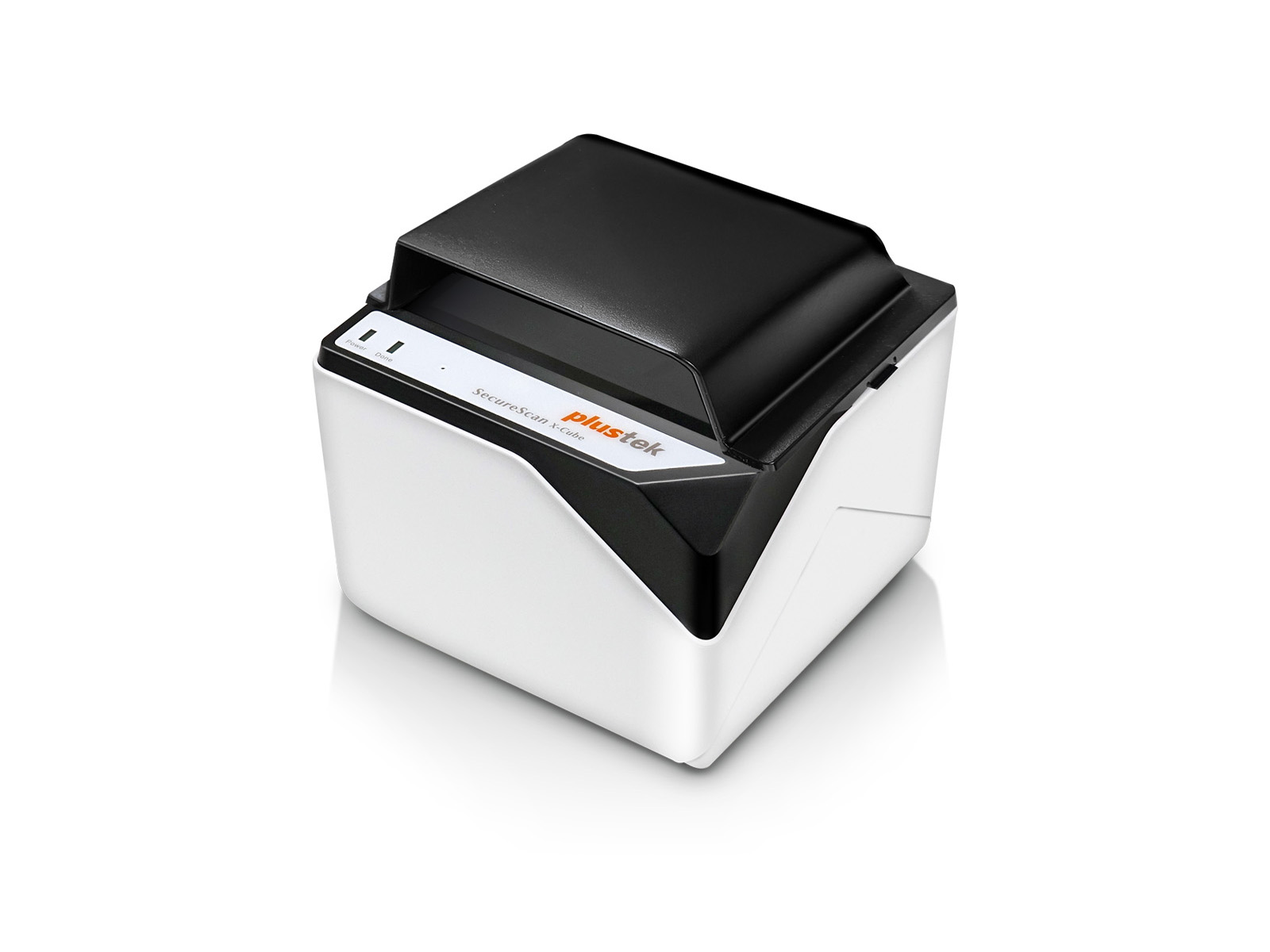
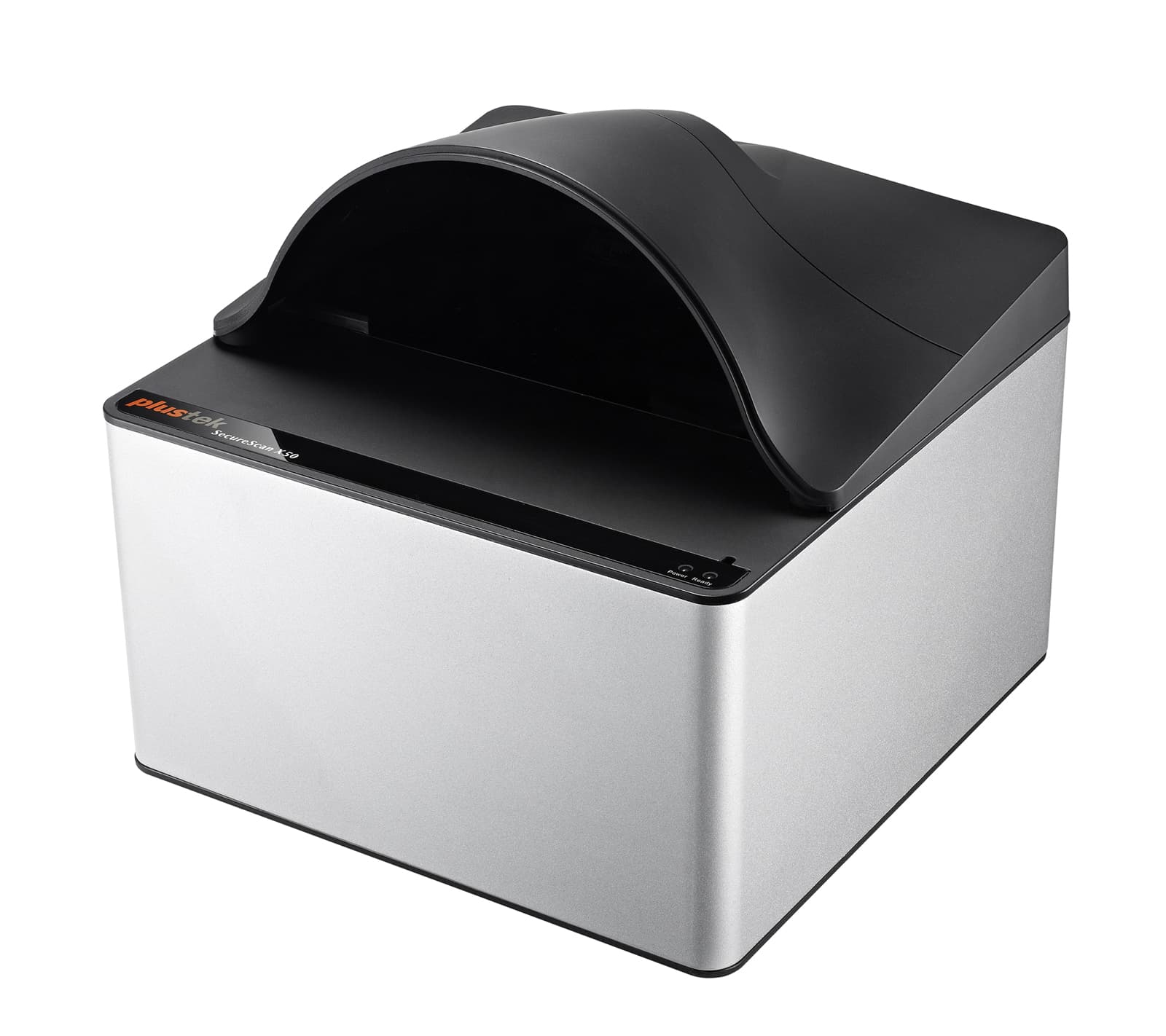
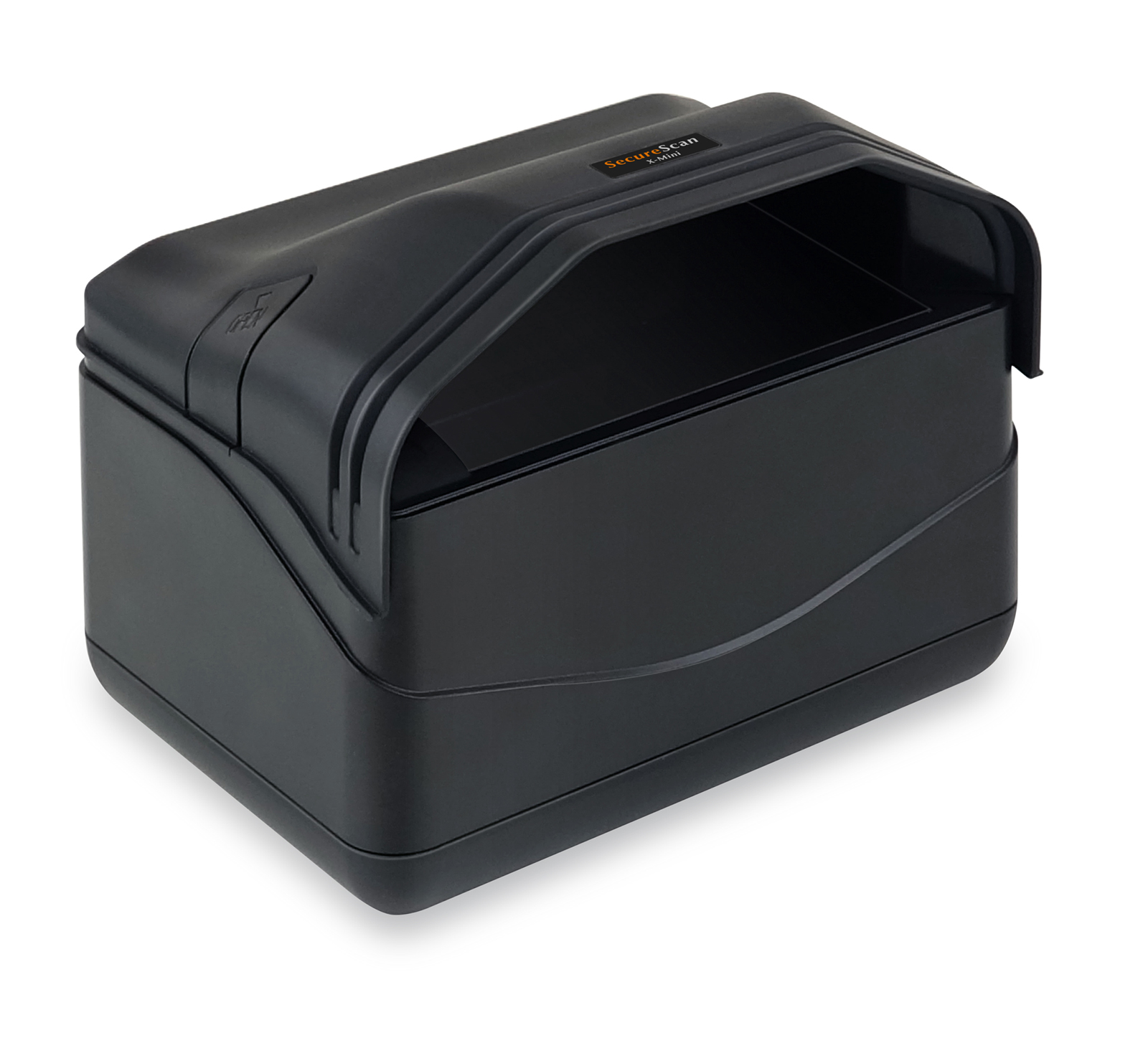
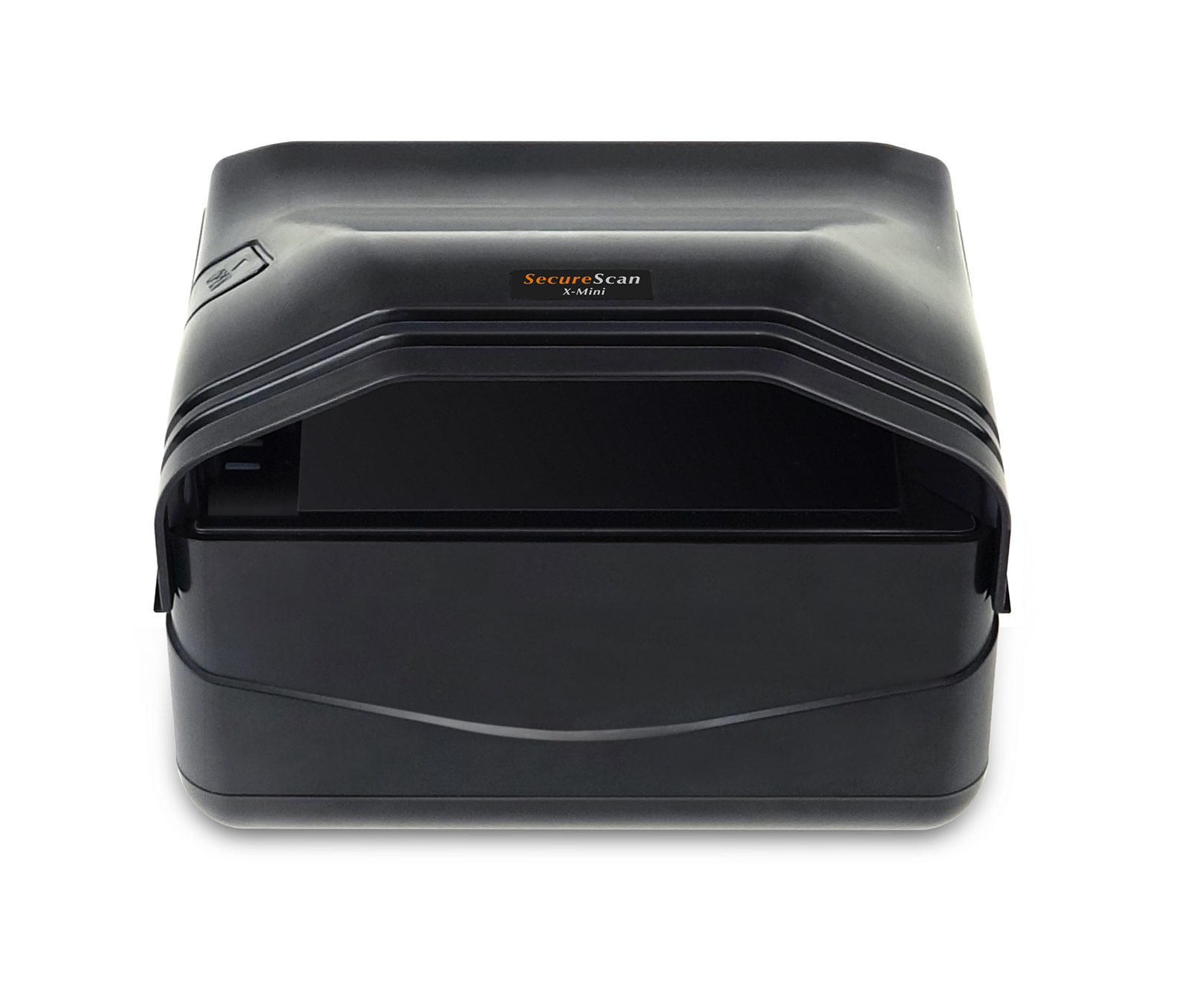
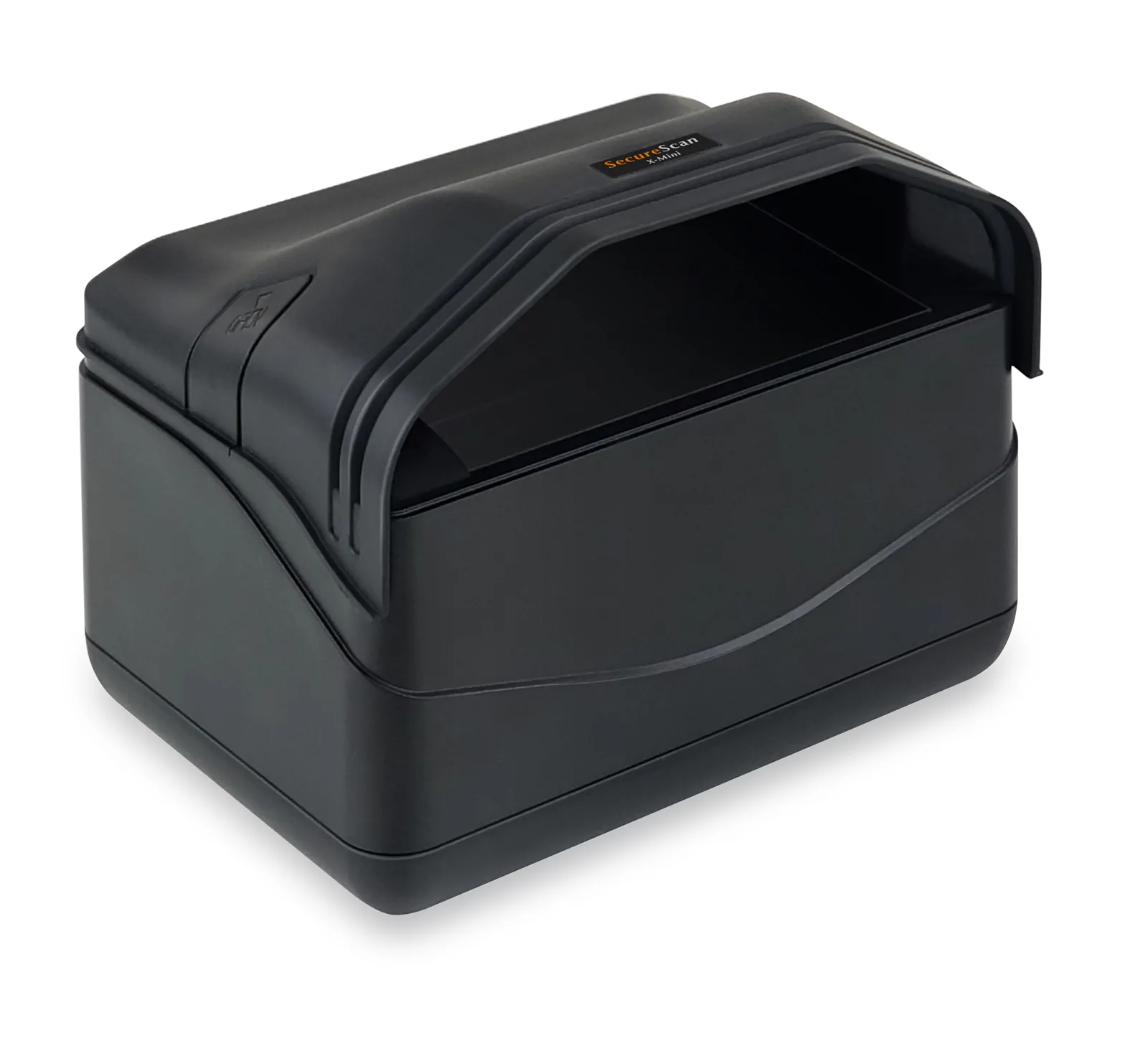
The Plustek X Mini 2000 brings fast passport and identification document capture to Guest Ban in a compact front desk design.
Designed for hotels that need passport support without a large desktop scanner, the X Mini captures open passport books, visas, driver licenses, identification cards and other supported travel documents. Dual automatic detection sensors recognize the document and begin capture without requiring a scanner button.
See How to Scan a Passport or ID
Watch the Plustek X Mini 2000 capture a guest document as part of the Guest Ban scanning workflow.
Fully Integrated With Guest Ban
When connected to Guest Ban, the X Mini 2000 can capture available guest identification details and reduce repetitive manual entry during check in.
Guest Ban can use the captured information to:
- Automatically populate available guest information
- Transfer guest details into supported property management systems
- Check the guest against the property’s Do Not Rent list
- Display enabled Guest Ban alerts
- Capture passport and identification document images
- Store document evidence according to the property’s plan and retention settings
- Support incident, fraud and chargeback reviews
Passport, Visa and ID Capture
The Plustek SecureScan X Mini provides a scanning area of approximately 5 × 3.74 inches, supporting common passport data pages, visas and card sized identification documents.
Simple Automatic Scanning
Dual automatic detection sensors help employees begin a scan quickly without pressing a scanner button.
- Open the passport to the photo and data page, or place the identification card flat on the scanning surface.
- The X Mini automatically detects the document and begins capture.
- Guest Ban reads available document details, machine readable zone information or supported barcode data.
- For an identification card, turn the card over and scan again when both front and back images are required.
- Review the captured details and any enabled Guest Ban alerts.
- Transfer the available guest information into the supported hotel system.
Visible and Infrared Imaging
The X Mini uses white LED and infrared LED illumination with a 5 megapixel CMOS image sensor. This produces detailed color and infrared document images for data capture and authorized visual review.
Fast MRZ and Guest Data Capture
The X Mini can capture the visual inspection zone and machine readable zone found on supported passports and travel documents. Guest Ban uses available information to reduce manual typing and create a more consistent registration process.
Guest information that may be populated:
- Guest name
- Date of birth
- Nationality
- Passport, driver license or ID number
- Issuing country or state
- Document expiration date
- Address when available on the document
- Other supported identity fields
Available fields vary by document type, issuing authority, Guest Ban plan and system configuration.
Compact and Easy to Install
The Plustek X Mini 2000 has an approximate front desk footprint of 6 × 6 × 7 inches. Its compact design makes it a practical choice for properties that need passport scanning while preserving counter space.
The scanner connects to a compatible Windows computer through USB 2.0 Type B and receives power through the USB connection. Automatic document detection and fixed focus imaging help reduce employee training.
Plustek X Mini 2000 Specifications
| Specification | Details |
|---|---|
| Device type | Compact desktop passport and identification document scanner |
| Scanning method | Single surface capture with dual automatic document detection sensors |
| Supported documents | Open passport books, visas, driver licenses, identification cards and other compatible travel documents |
| Maximum scanning area | 5 × 3.74 inches or 127 × 95 millimeters |
| Maximum acceptable document size | 4.92 × 3.46 inches or 125 × 88 millimeters |
| Approximate listed size | 6 × 6 × 7 inches |
| Manufacturer dimensions without cover | 7.68 × 5.47 × 3.94 inches or 195 × 139 × 100 millimeters |
| Manufacturer dimensions with cover | 7.68 × 5.47 × 6.02 inches or 195 × 139 × 153 millimeters |
| Weight | Approximately 1.90 pounds or 0.86 kilograms |
| Image sensor | CMOS |
| Image resolution | 5 megapixels |
| Color capture | 24 bit color input and output |
| Infrared capture | 24 bit input and 8 bit output |
| Light sources | White LED and infrared LED |
| Focus | Fixed focus |
| Typical capture speed | Approximately one second for a full passport data page in color |
| Document detection | Dual automatic detection sensors |
| Connection | USB 2.0 Type B |
| Power | USB powered at 5V DC |
| Windows support | Windows 7, 8, 8.1, 10 and 11 |
| UV capture | Not supported |
| Duplex capture | Not supported; identification cards are scanned one side at a time |
Product Names and Search Variations
This scanner may also be listed or searched for as the Plustek X Mini 2000, Plustek X Mini, Plustek XMini 2000, Plustek SecureScan X Mini, SecureScan X Mini, X Mini passport scanner or Plustek compact passport scanner.
Important Software and Compatibility Information
The Plustek X Mini 2000 does not include Guest Ban software by itself. A Guest Ban software plan, installation and scanner configuration are required to use Guest Ban features.
Available property management system integrations, alerts, screening features, data fields and record retention depend on the property’s selected Guest Ban plan and system configuration.
Document support and data extraction vary by document type, issuing authority, condition and layout. Captured images and extracted data should be reviewed according to the property’s identification procedures.